YouTube already has the feed you want. The Subscriptions feed shows recent uploads from the channels you chose and nothing else. The trouble is getting to it: the app opens on Home, Home is where the recommendations and the Shorts shelf live, and there is no setting that makes Subscriptions the start page (checked October 24, 2026).
Toggle (toggle.social) is an iPhone app that opens Instagram, YouTube, TikTok, X, Threads, Reddit, LinkedIn, Facebook and Snapchat inside one app, with the parts built to keep you scrolling switched off. Its YouTube opens on Subscriptions. This page sets that against the two native routes, the Subscriptions feed itself and the watch-history trick, so you can pick the one that fits.
What the Subscriptions feed is
YouTube's help page describes it plainly: the feed "will show any recently uploaded videos from your subscriptions", on mobile and on a computer. A dot marks a channel with a new upload, and "Live" marks one that is streaming. You can filter the feed by category at the top or tap All for the full channel list. YouTube recommends keeping an account under 5,000 subscriptions "to make sure the subscriptions feed and channel list give the best experience".
The feed is not the same as notifications. Notifications can carry activity updates, recommendations and replies; the Subscriptions feed carries uploads.
Two things the feed does include: Shorts from channels you subscribe to, which land there as uploads, and live streams. Two things it never includes: videos from channels you don't follow, and the Shorts shelf.
Way 1: open the Subscriptions feed every time
On iPhone, YouTube's current path is: open the Home tab and tap Subs in the top bar. On the web, youtube.com/feed/subscriptions goes straight there, and a bookmark or a Home Screen shortcut to it skips Home altogether.
What this gets you: a feed of uploads from your channels, in the real app, free.
What it leaves:
- The app still opens on Home. You pass the recommendations and the Shorts shelf on the way, every time.
- The Shorts tab stays in the bottom bar.
- Once you tap a video, the Up next column fills with recommendations, and autoplay queues the next one.
- Shorts from your channels sit in the feed with the videos.
The bookmark route is the cleanest of the native options on a computer. On the iPhone it means using YouTube in Safari rather than the app.
Way 2: turn off watch history
YouTube's help page says: "If you have no relevant or significant recent watch history and have indicated you do not wish to receive future recommendations based on that history, YouTube features like recommendations on the YouTube homepage are removed." On iPhone: profile picture → Settings → Manage all history → Controls, then unselect "Include the YouTube videos you watch", and clear the history you have.
Home then has nothing to show, which pushes you to Subscriptions and search by default. The costs: no history list, no resume points, and recommendations that are based on history disappear everywhere, including the Up next column's personalised picks. The Shorts tab stays. The help page covers only Home, not the rest of the app. Turning off watch history gets its own page on this site; here it is one of three options.
Way 3: Toggle opens on Subscriptions
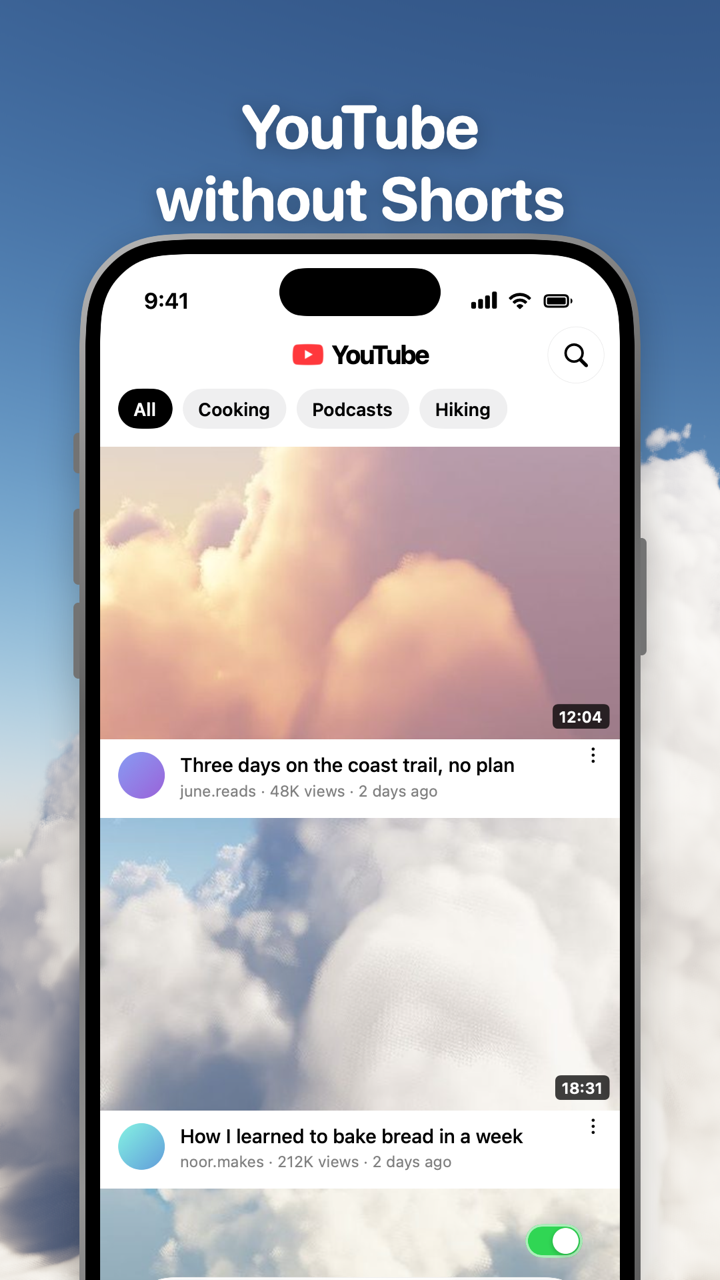
In Toggle, YouTube opens on your Subscriptions feed. Home is behind a switch of its own, Hide Home, which is off when you start and yours to turn on. Two more switches are locked: Hide Shorts and Hide Recommendations are on from the first load and can't be turned off for good. From the options sheet (hold the Toggle switch at the bottom of the app for a moment) or Settings, a locked switch can be shown for five minutes at a time, and it turns itself back on at the deadline.
| Switch | Default |
|---|---|
| Hide Shorts | Always off (locked, five-minute shows) |
| Hide Recommendations | Always off (locked, five-minute shows) |
| Hide Home | Your choice, off to start |
| Hide Like counts | Your choice, off to start |
| Hide Comments | Your choice, off to start |
| Grayscale | Your choice, off to start |
YouTube in Toggle is YouTube's mobile website inside the app, signed in with your own Google account and restyled with a native tab bar and header. Toggle changes nothing in your Google account, so watch history stays as you set it. Videos play in their own player with a mini player. Comments open in a native sheet. Search, channels and notifications work; posting works, with upload opening YouTube's desktop Studio page inside Toggle. Many ad and tracking requests are blocked.
Toggle is iPhone only (iOS 17 or later), free to download and paid after the 7-day trial: $6.99 a week or $99 a year in the US on October 24, 2026. It uses YouTube's mobile website, so a few app-only features may be missing, and a site change can stop a switch working until Toggle updates. How Toggle works explains the mechanics and Toggle pricing the trial.
The three ways side by side
| Subscriptions feed each time | Watch history off | Toggle | |
|---|---|---|---|
| Opens on Subscriptions | No (Home first) | No (empty Home) | Yes |
| Home recommendations | Still there | Gone | Hidden (switch) |
| Shorts tab and shelves | Still there | Tab stays, shelf gone | Hidden (locked) |
| Up next recommendations | Still there | Not based on your history | Hidden (locked) |
| Watch history and resume | Kept | Lost | Kept |
| Cost | Free | Free | Paid after 7-day trial |
| Where | Any device | Any device | iPhone |
Who should pick which
Pick the Subscriptions feed alone if you use YouTube on a computer, or if you are fine passing Home on the way in. The bookmark costs nothing.
Pick watch history off if you want the real app and can live without resume points. It is the only free route that changes what the app shows, not just where you look.
Pick Toggle if you are on an iPhone and want YouTube to open on your channels with Shorts and recommendations gone, while keeping history, the player and notifications. Toggle can also block the real YouTube app with Apple's Screen Time so the clean version is the one you open; that is optional.
Android users have none of Toggle's iPhone options; the free Chrome extension on a computer covers youtube.com. For the full map of YouTube's surfaces see YouTube without the rabbit hole, and for Shorts in particular, YouTube without Shorts on iPhone. Toggle for iPhone shows the app itself.
Questions
Can I make YouTube open on Subscriptions?
Not in the YouTube app: it opens on Home and has no start-page setting (checked October 24, 2026). In a browser you can bookmark youtube.com/feed/subscriptions. Toggle opens YouTube on the Subscriptions feed every time.
How do I see only my subscriptions on YouTube?
Tap Subs in the top bar of the Home tab in the YouTube app, or open youtube.com/feed/subscriptions on the web. The feed shows recent uploads from channels you subscribe to, with nothing recommended.
Does the Subscriptions feed show Shorts?
Yes. Shorts from channels you subscribe to appear in the Subscriptions feed as uploads. The feed has no filter for them; Toggle's Hide Shorts switch removes them.
Is the Subscriptions feed chronological?
YouTube says it shows recently uploaded videos from your subscriptions and puts a dot next to channels with new uploads. It does not describe the order as strictly chronological, and it recommends keeping subscriptions under 5,000 so the feed works well.
What does turning off watch history do to Home?
With no significant recent history and history turned off, YouTube removes recommendations from the Home page. Nothing you watch is remembered afterwards, so you lose your history list and resume points.
Sources
- Subscribe to YouTube channels (iPhone & iPad), YouTube Help (accessed 2026-10-24)
- View, delete, or turn on or off watch history (iPhone & iPad), YouTube Help (accessed 2026-10-24)
- Manage your recommendations & search results, YouTube Help (accessed 2026-10-24)
- Get started creating YouTube Shorts, YouTube Help (accessed 2026-10-24)
- Toggle: Block Reels on the App Store (accessed 2026-10-24)