
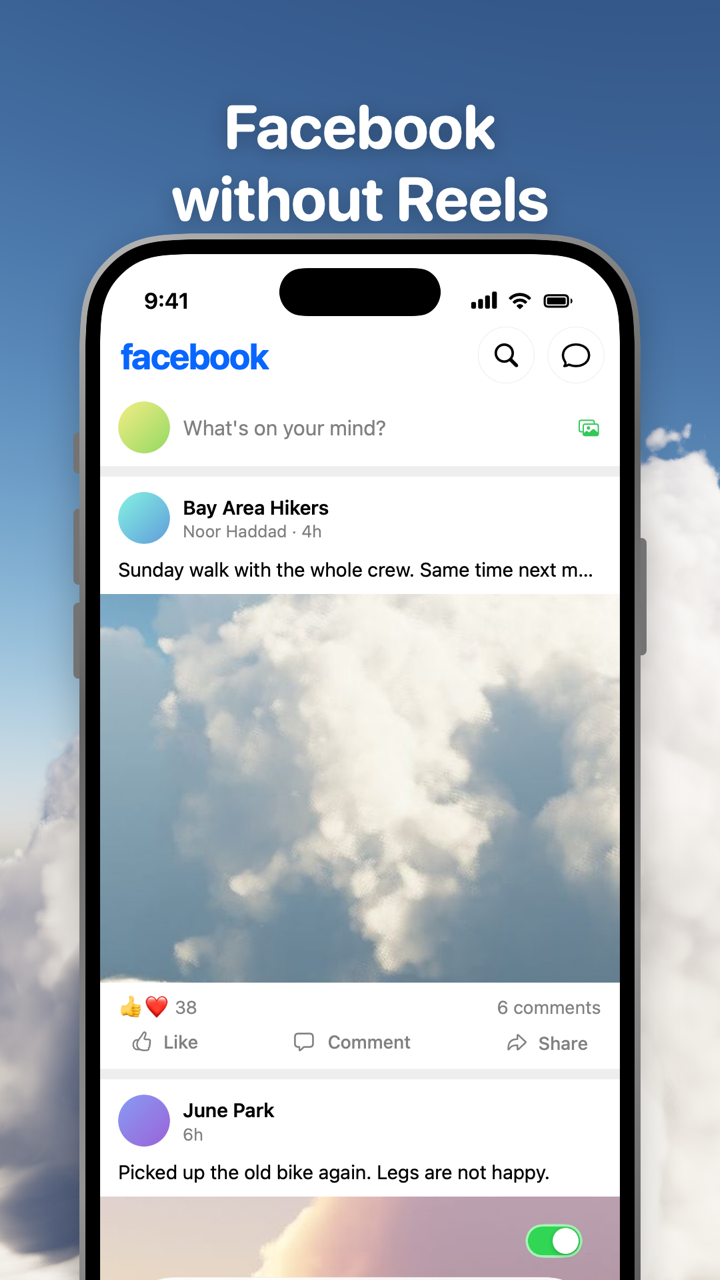
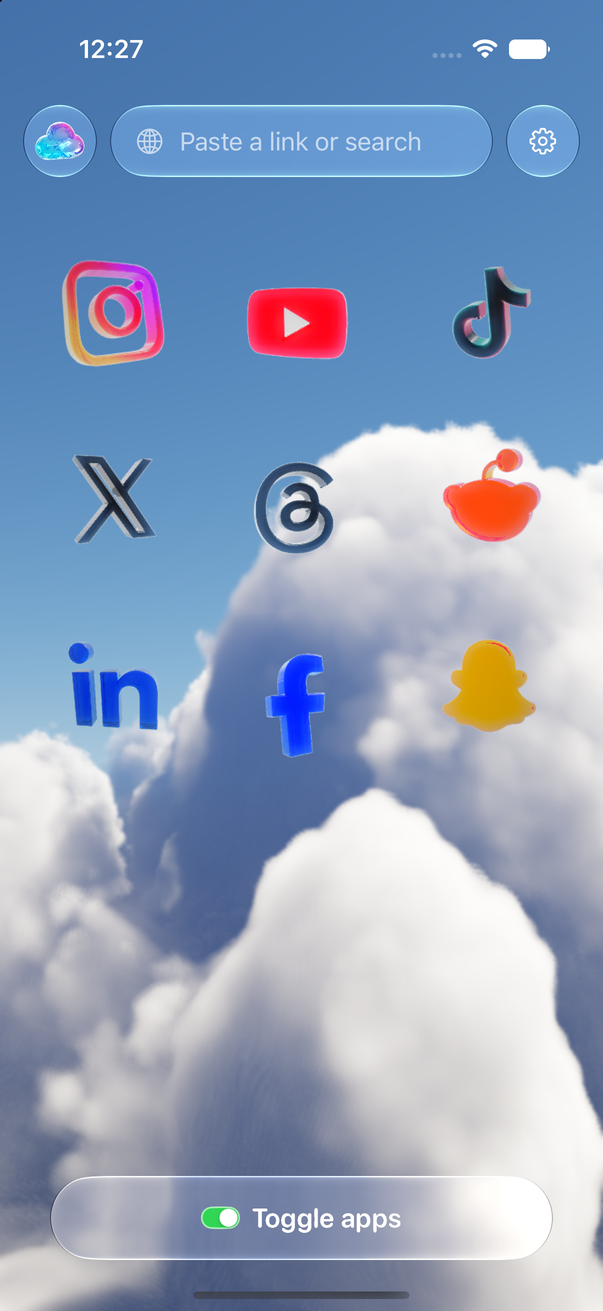
Toggle (toggle.social) is an iPhone app that opens Facebook, Instagram, YouTube, TikTok, X, Threads, Reddit, LinkedIn and Snapchat inside one app with the parts built to keep you scrolling switched off. For Facebook that means Reels and Watch never load, Marketplace and Stories are off until you want them, and the Home feed, like counts and comments are switches you set once. Friends' posts, groups, events, notifications, messages and posting keep working. This page maps every Facebook surface against what Facebook's own settings can do and what Toggle changes.
Every Facebook surface, mapped
"Locked" means on from the first load and only showable for five minutes at a time. "Default" means on when you start and can be turned off. "Switch" means your choice, starting off.
| Surface | What Facebook offers | In Toggle |
|---|---|---|
| Reels (tab and in Feed) | Not interested per reel; no off switch | Hidden, locked on |
| Watch (video) | None | Hidden, locked on |
| Marketplace | None | Hidden by default |
| Stories row | Mute one person's story at a time | Hidden by default |
| Home (ranked Feed) | Feeds tab for most recent, resets on reopen | Opens on the most recent feed; switch: Hide Home |
| Like and reaction counts | None | Switch: Hide Like counts |
| Comments | None | Switch: Hide Comments; open in the page when on |
| Suggested posts in Feed | Not interested, Unfollow, Snooze 30 days | Covered by the most recent feed |
| Groups, events, Pages | Full | Kept |
| Messages | Full | Kept |
| Notifications | Per-type settings | Kept; all, messages only, or off |
| Profiles, search, posting | Full | Kept; posting works |
| Colour | None | Switch: Grayscale |
| Ads and tracking | None | Many ad and tracking requests blocked |
Where Reels show up, what Not interested does and what Toggle's locked switch removes is on Facebook without Reels. The same short-video feeds across all nine apps are in one table on block Reels and Shorts.
What Facebook itself lets you change (checked October 24, 2026)
Facebook's own controls come first. They are free and worth knowing, and they stop short of removing anything.
The Feeds tab. On a computer, click See More in the left menu, then Feeds. The Feeds tab has Favorites, Friends, Groups and Pages views, and Facebook's help says it shows "content from those you follow in the order it was posted". The catch is in the same help article: when you exit and reopen the app, the ranked Feed is back on top. You have to go to Feeds every time.
Favorites. Up to 30 friends and Pages. Their posts rank higher in Feed and get their own view in the Feeds tab. Manage them from Content preferences.
Snooze, Unfollow, Not interested, Hide. On any post, Options offers Not interested, Snooze [Name] for 30 days, Unfollow [Name] and Hide post. Snooze is temporary (30 days, no notification to the person); Unfollow lasts until you reconnect. Content preferences (click your profile picture → Settings & privacy → Content preferences; in the app it's under Settings & privacy → Settings) gathers Favorites, Unfollow, Reconnect, Snooze and the Political and Sensitive content sliders.
Stories. Open someone's story, tap Options in the top right, then Mute [Username]. To undo it, open any story, tap Settings, and look under Stories You've Muted. One person at a time, and the row stays.
Reels. Since September 2025 every video on Facebook is shared as a reel, whatever its length, so there is no "videos but not Reels" setting. Facebook's help offers Not interested and Unfollow on a reel. No switch removes the Reels tab or Watch.
Marketplace. Facebook's help describes no setting that turns Marketplace off.
Notifications. Settings & privacy → Settings → Notifications → Preferences chooses what you're notified about and how. iPhone's own Settings → Notifications → Facebook turns push off entirely.
What Toggle hides on Facebook
Toggle uses Facebook's mobile website, signed in with your own account, restyled to look and feel like an app with a native tab bar and header. Switches apply at once; turning a hidden part back on reloads only what needs it.
- Hide Reels and Hide Watch (locked). Both on from the first load. From the options sheet (hold the Toggle switch at the bottom of the app for a moment) or Settings, a locked switch can be shown for five minutes at a time and turns itself back on at the deadline.
- Hide Marketplace (on by default). Marketplace goes. If you buy or sell there, turn it off and Marketplace is back.
- Hide Stories (on by default). The Stories row goes. Turn it off to have Stories back.
- Hide Home (your choice). Removes the Home feed. Facebook becomes groups, events, friends' profiles, notifications and messages. Without it, Toggle opens Facebook on the most recent (chronological) feed every time, which is what the Feeds tab gives you until you reopen the app.
- Hide Like counts (your choice). Reaction counts disappear from posts. The same switch on every app is on hide like counts everywhere.
- Hide Comments (your choice). Comments go. With the switch off, Facebook's comments open in the page.
- Grayscale (your choice). All of Facebook in grey.
Many ad and tracking requests are blocked inside Toggle by a shared content blocker: fewer ads, not none.
What keeps working
- Friends' posts, newest first, on the feed Toggle opens.
- Groups, events and Pages.
- Messages, signed in with your own account.
- Notifications, delivered through Facebook's web push, relayed to Apple's push service and encrypted end to end to your iPhone. Set them to all, messages only, or off.
- Profiles and search.
- Posting works.
Toggle uses Facebook's mobile website, so a few app-only features may be missing. Facebook changes its site often, and a switch can stop working until Toggle updates.
Blocking the real Facebook app
Optional, and separate from the switches: Toggle can shield the real Facebook app with Apple's Screen Time, so the only way in is the version without the feeds. The shield, the five-minute break and what Apple lets Toggle see are on Block the real apps.
Where Toggle is not the answer
Toggle is iPhone only (iOS 17 or later) and paid after the 7-day trial (pricing); on a computer the free Chrome extension gives facebook.com the same switches. It runs Facebook's mobile site, so an app-only feature can be missing, and a switch can break when Facebook changes its pages until Toggle updates. It is not parental control. The full list of limits is on Toggle for iPhone.
Every Facebook page on this site
- Facebook without Reels: the Reels tab, Reels in Feed, Watch, what Not interested does, Toggle's locked switch.
- Block Reels and Shorts on iPhone: Facebook Reels beside Instagram Reels, YouTube Shorts and the rest.
- Hide like counts on every social app: Facebook's counts and the other eight apps.
- Toggle for iPhone: screenshots, switches for all nine apps, price and trial.
- Toggle for Chrome: facebook.com on a computer, free.
Questions
Can you turn off Reels on Facebook?
No. Since September 2025 Facebook shares every video as a reel, and its help pages offer only per-reel Not interested, Unfollow and Snooze. Toggle hides Reels and Watch on Facebook on every load; that switch is locked on.
How do I get rid of Marketplace on Facebook?
Facebook's help describes no setting that turns Marketplace off. In Toggle, Hide Marketplace is on by default and removes it from Facebook; you can turn it back on if you sell or buy there.
How do I see only friends' posts on Facebook in order?
Open the Feeds tab and choose Friends; Facebook shows posts from those you follow in the order they were posted. It reverts to the ranked Feed when you reopen the app. Toggle opens Facebook on the most recent feed every time.
Can I hide Stories on Facebook?
Facebook lets you mute one person's story at a time (open the story, Options, Mute). It has no switch for the Stories row. Toggle's Hide Stories switch is on by default and removes the row; turn it off to have Stories back.
Does Messenger work in Facebook without the feed?
Messages work in Toggle on every app, Facebook included, signed in with your own account. Notifications can be set to all, messages only, or off.
Is there a distraction-free Facebook on a computer?
Toggle's free Chrome extension has Reels, Watch, Home, Marketplace, Stories and Like counts switches for facebook.com. The Safari version for Mac is coming to the Mac App Store.
Sources
- Facebook Help Center: Explore and watch Facebook reels (September 2025 update) (accessed 2026-10-24)
- Facebook Help Center: See the most recent posts in your Feeds tab on Facebook (accessed 2026-10-24)
- Facebook Help Center: Content you can see in Feeds on Facebook (accessed 2026-10-24)
- Facebook Help Center: See and manage Favorites on your Facebook Feed (accessed 2026-10-24)
- Facebook Help Center: Snooze a person, Page or group on Facebook (accessed 2026-10-24)
- Facebook Help Center: Customize your Facebook Feed and Reels (accessed 2026-10-24)
- Facebook Help Center: See and adjust your Facebook content preferences (accessed 2026-10-24)
- Facebook Help Center: Mute or unmute a story on Facebook (accessed 2026-10-24)
- Facebook Help Center: Adjust your mobile push notifications from Facebook (accessed 2026-10-24)