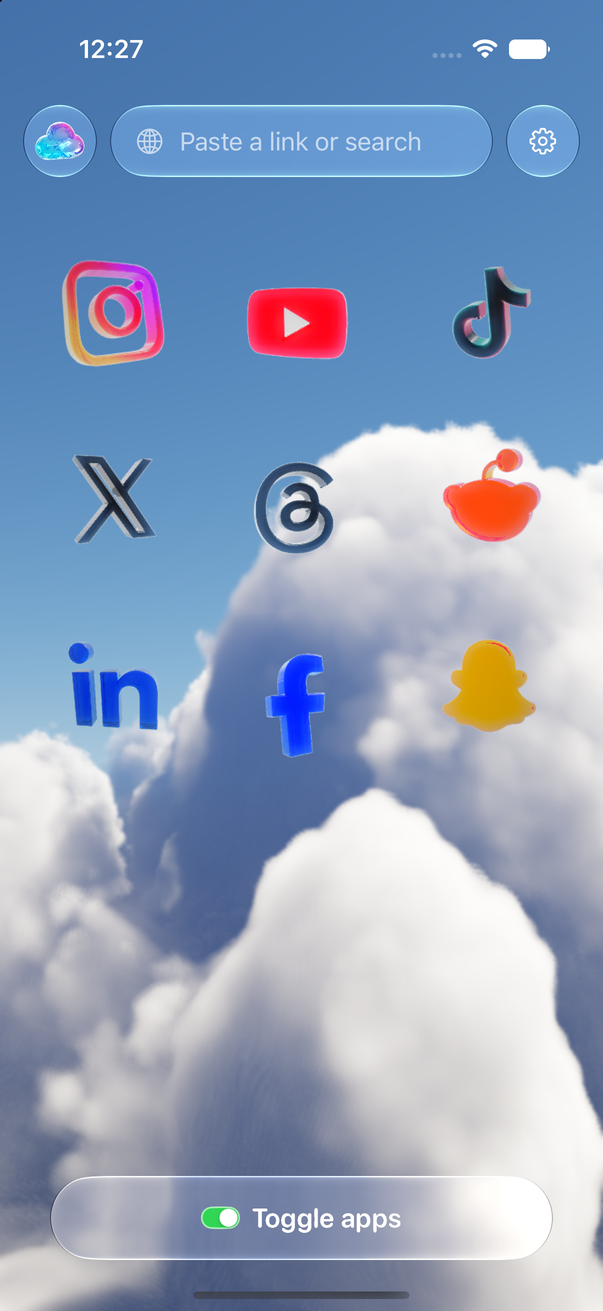
Toggle opens Instagram, YouTube, TikTok, X, Threads, Reddit, LinkedIn, Facebook and Snapchat as their mobile websites inside one app, and notifications are optional, per app. Here is how to turn them on, how to pick what gets through, and how a notification travels from a site to your iPhone.
Turn notifications on
- Toggle asks for permission to send notifications. Tap Allow.
- Once allowed, notifications are on for every app you use in Toggle. There's nothing to set up per site.
- Declined the prompt? Open your iPhone's Settings → Notifications → Toggle and turn Allow Notifications on.
Toggle notifications wear the icon of the app they came from, so an Instagram message looks like Instagram and a Reddit reply looks like Reddit.
Pick a level per app
Each app has three levels. In Toggle's Settings, open the app and choose:
| Level | What arrives |
|---|---|
| All | Everything the site would send: messages, replies, likes, follows, suggestions |
| Messages only | Direct messages, replies, comments and mentions |
| Off | Nothing from that app |
Messages only is the level for keeping in touch without the pull: a friend's DM gets through, "someone you may know" doesn't. You can mix levels, say Instagram on messages only, Reddit on all, X off.
How delivery works
Each site in Toggle sends notifications through its own web push, the same system it uses for browsers. Toggle's relay passes them on to Apple's push service, which delivers them to your iPhone. Notifications are encrypted end to end to the iPhone; the relay can't read them. How Toggle works has the longer picture, and Is Toggle safe? lists what leaves your phone.
LinkedIn is checked, not pushed
LinkedIn offers no web push. Instead, Toggle checks LinkedIn's notification count in the background and notifies you when it rises. That means LinkedIn notifications can trail the others by a while, and they say that something is new rather than what.
Real app installed? No doubles
If a real app is installed and not blocked, Toggle holds back that app's notifications so you don't get two for the same message. Once you block the real app with Screen Time, its notifications arrive through Toggle. Block the real apps with Screen Time has the steps.
Not getting notifications?
- Check the per-app level isn't Off.
- Check your iPhone's Settings → Notifications → Toggle allows them.
- If the real app is installed and not blocked, that app is notifying instead of Toggle.
- You need to be signed in to the site inside Toggle. Sign out and the site stops sending.
Notifications are the one feature where something leaves your iPhone besides the sites themselves: the relay only forwards what it can't read. Analytics are separate and can be turned off in Settings → Share usage data. Getting started with Toggle covers everything else to set up.
Questions
Can I get only messages and skip likes and follows?
Yes. Set an app to messages only. You then get direct messages, replies, comments and mentions, and nothing else from that app.
Will I get the same notification twice, from the real app and Toggle?
No. If a real app is installed and not blocked, Toggle holds back that app's notifications. Block the real app and they arrive through Toggle.
Can Toggle read my notifications?
No. Notifications are encrypted end to end to your iPhone. Toggle's relay passes them to Apple's push service without being able to read them.
Why do LinkedIn notifications arrive later than the others?
LinkedIn has no web push. Toggle checks LinkedIn's notification count in the background and notifies when it rises, so there's a delay the other apps don't have.
Sources
- Toggle: Block Reels on the App Store (accessed 2026-10-24)
- Toggle privacy policy (accessed 2026-10-24)