
Can you hide the Explore page on Instagram?
No. On October 24, 2026 the Instagram app still has no setting for it. The magnifying glass in the bottom bar opens Explore, and Explore is a grid of posts and Reels from accounts you don't follow, "automatically selected based on a variety of factors to better tailor it to you", in the Help Center's words. The grid is on screen before you type a letter into the search bar above it. Instagram's settings let you shape what fills the grid. None of them removes the grid.
Toggle (toggle.social) is an iPhone app that opens Instagram, YouTube, TikTok, X, Threads, Reddit, LinkedIn, Facebook and Snapchat inside one app, with the parts built to keep you scrolling switched off. On Instagram its Hide Explore switch takes the grid away and leaves search working, which is the split this page is about. Everything else on Instagram, Reels included, has its own page, and the hub Instagram without the scroll holds the map.
Explore and Search are two things under one icon
Most people who want Explore gone still want Search. They share a tab, so it helps to say what each one is.
| Explore | Search | |
|---|---|---|
| What it is | A grid of recommended posts and Reels | Results for a name, tag, place or sound you typed |
| Who chose it | Instagram's ranking | You |
| From whom | Accounts you don't follow | Anyone matching your words |
| Where it ends | It doesn't; more loads as you scroll | When the matches run out |
| When it shows | The moment you open the tab | After you type |
Search is a tool. You arrive with a question, get an answer, leave. Explore is a feed with no top and no bottom that happens to sit under the search bar, and it is the reason "I'll just look someone up" turns into twenty minutes. Hiding the grid and keeping the bar is the whole trick, and Instagram doesn't offer it.
Why Explore is Instagram's most personalised page
Your Home feed is mostly people you chose, with suggestions mixed in. Reels is a feed of recommendations with some followed accounts. Explore is recommendations only: every tile is something Instagram predicts you will tap, chosen from accounts you don't follow. That is why the controls Instagram gives you for it are all about training the prediction. When Meta added Reset suggested content in November 2024, it described the reset as clearing recommended content "across Explore, Reels and Feed", with Explore first. When Instagram widened the Sensitive Content Control in 2022, Explore was the surface it had covered from the start.
A grid tuned to you this closely is also hard to leave with willpower alone. The psychology behind that gets its own guide on this site.
What Instagram's own settings change, and what they don't
Checked October 24, 2026. Menu labels move between versions, so search Settings and activity for the name if a path has changed.
| Setting | Where | What it changes | What it leaves alone |
|---|---|---|---|
| Not interested | Three-dot menu on a post; several posts at once in Explore | Fewer posts like it, applied to Reels and Search too | The grid itself |
| Sensitive Content Control | Settings, Account, Sensitive Content Control (2022 path); now inside Settings and activity | How much upsetting content shows from accounts you don't follow (Standard, More, Less) | The number of tiles; posts from accounts you follow |
| Reset suggested content | Profile, More options, Content preferences | Clears recommendations across Explore, Reels and Feed; option to unfollow accounts | The grid, which repersonalizes over time |
| Hidden Words for recommendations | Hidden Words settings | Keeps recommended posts with words, emoji or hashtags you list out of Explore | Everything else in the grid |
| Snooze suggested posts | X on a suggested post in Home | Suggested posts in Home for 30 days | Explore entirely |
Sensitive Content Control
Three levels. Standard is the default and "will prevent people from seeing some sensitive content and accounts". Less filters more; More shows more and is unavailable under 18, with new accounts under 16 defaulted to Less. The control covers Explore, Search, Reels, Accounts You Might Follow, hashtag pages and in-feed recommendations, and only for accounts you don't follow. It is a safety filter. Picking Less does not shrink Explore, it changes the mix.
Reset suggested content
Profile, three-bar More options, Content preferences, Reset suggested content, then accept and confirm. Meta's own line: your recommendations "will start to personalize again over time, showing new content based on the content and accounts you interact with". A reset is a fresh start for the grid, and a good one if Explore has drifted somewhere you dislike. It is not an off switch; the grid is back the moment you tap the magnifying glass, and the first things you tap train it again.
Not interested, several at once
Since January 2023 you can select multiple posts in Explore and mark them Not interested in one go, and the choice carries to Reels and Search. It is the most direct lever Instagram offers for Explore's contents. It still answers "what should be in the grid", not "should there be a grid".
How Toggle hides the grid and keeps Search
In Toggle, Instagram's Hide Explore switch hides the grid on the Explore page. Search keeps working: you type and get results, with nothing drawn under the bar while you think about what to type. Reels is a separate switch, Hide Reels, and the two are the only locked switches on Instagram.
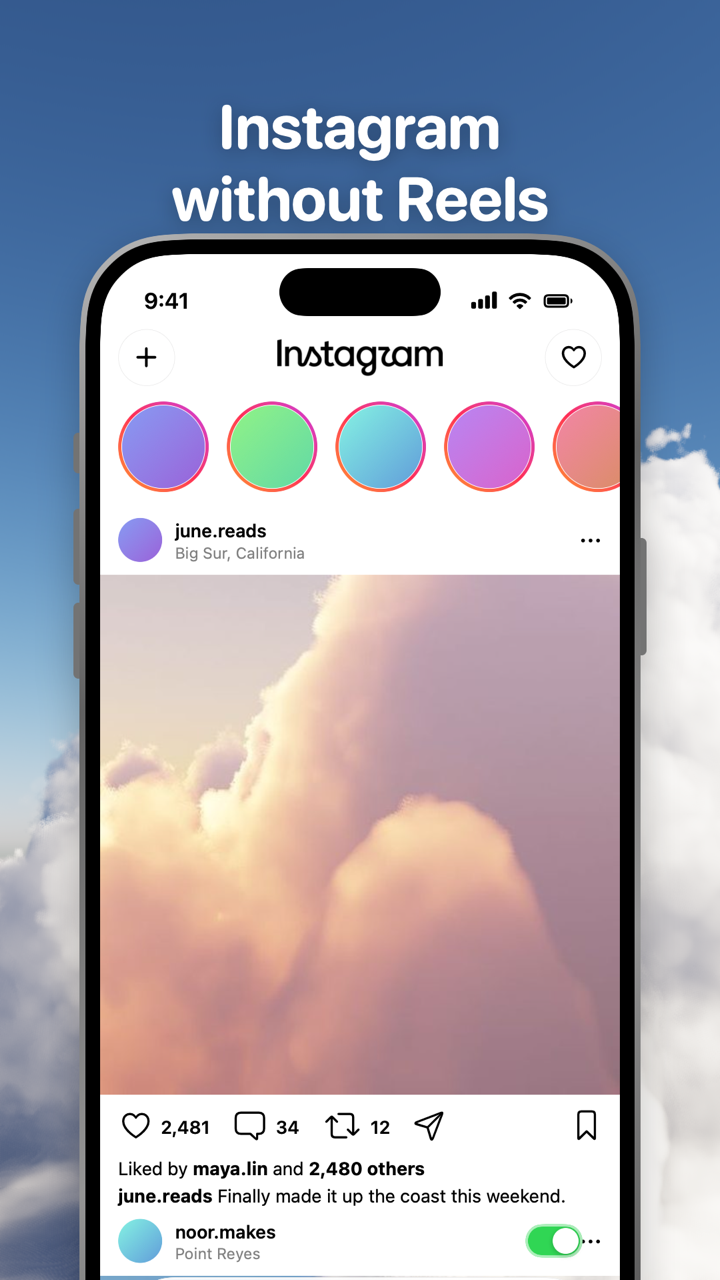
Locked means on from the first load and never off for good. Hold the Toggle switch at the bottom of the app for a moment to open the options sheet, where Hide Explore can be shown for five minutes at a time; it turns itself back on at the deadline. Five minutes is enough to find a new account or browse a tag's page on purpose. It is not enough to lose an evening.
The rest of Instagram's switches are unlocked and yours: Hide Suggested is on when you start and can be turned off; Hide Home, Hide Stories, Hide Like counts, Hide Comments and Grayscale are off when you start. Direct messages, posting, profiles, search, Stories and notifications keep working, and comments open in a native sheet. Toggle has no account system: you sign in to Instagram directly and the cookies stay on your iPhone, which Is Toggle safe to use with my accounts? explains.
What you give up without Explore
Explore is also where some people find new creators, and that is a real loss. If discovery matters to you, the five-minute window is for that, and tag pages and account search still work the whole time. People who follow enough accounts to fill a Home feed rarely miss it; people who used Instagram mainly to browse will feel the change for a week.
Where Toggle isn't the answer
Toggle runs on iPhone (iOS 17 or later), not Android. The iPhone app is free to download and paid after the 7-day trial: $6.99 a week or $99 a year in the US on October 24, 2026. On a computer the free Chrome extension has an Explore switch for instagram.com, applied at once with no reload. Toggle uses Instagram's mobile website inside a native shell, as How Toggle works describes, so a few app-only features may be missing, and when Instagram changes its pages a switch can stop working until Toggle updates.
Questions
How do I close the Explore page on Instagram?
Tap Home or any other tab; that is the only way to leave it. The Instagram app has no setting that closes Explore for good, and the grid loads again the next time you tap the magnifying glass. Toggle hides the grid so the tab opens on search alone.
Can I search Instagram without seeing the Explore grid?
Not in the Instagram app: the grid is drawn under the search bar before you type. In Toggle the Explore grid is hidden and search results still work, so you type a name, tag or place and see only what you asked for.
Does Sensitive Content Control hide Explore?
No. It has three levels, Standard, More and Less, that decide how much content Instagram thinks you may find upsetting appears in Explore, Search, Reels and feed recommendations. The grid stays the same size whichever you pick, and the control only filters accounts you don't follow.
Does Reset suggested content clear the Explore page?
Yes, for a while. Meta says the reset clears recommended content across Explore, Reels and Feed, and that recommendations start to personalize again over time. The grid is generic right after the reset and learns you again as you use the app.
Is hiding Explore permanent in Toggle?
Hide Explore is a locked switch: on from the first load and never off for good. From the options sheet or Settings you can show Explore for five minutes at a time, and the switch turns itself back on at the deadline.
Can I hide Explore on instagram.com on a computer?
Yes, with Toggle's free Chrome extension, which has an Explore switch for instagram.com beside Reels, Suggested, Home, Stories and Like counts. The Safari version is coming to the Mac App Store.
Sources
- How does Instagram decide what to show in Search & Explore? (Instagram Help Center) (accessed 2026-10-24)
- About Sensitive Content Control on Instagram (Instagram Help Center) (accessed 2026-10-24)
- Updates to the Sensitive Content Control (Instagram, June 6, 2022) (accessed 2026-10-24)
- Instagram's Sensitive Content Controls (Meta Family Center) (accessed 2026-10-24)
- Reshape Your Instagram With a Recommendations Reset (Meta, November 19, 2024) (accessed 2026-10-24)
- How to See More of What You Want on Instagram (Instagram, August 30, 2022) (accessed 2026-10-24)
- Instagram Quiet Mode: a new way to manage your time and focus (Meta, January 19, 2023) (accessed 2026-10-24)
- Introducing Instagram Reels (Instagram, August 5, 2020) (accessed 2026-10-24)