
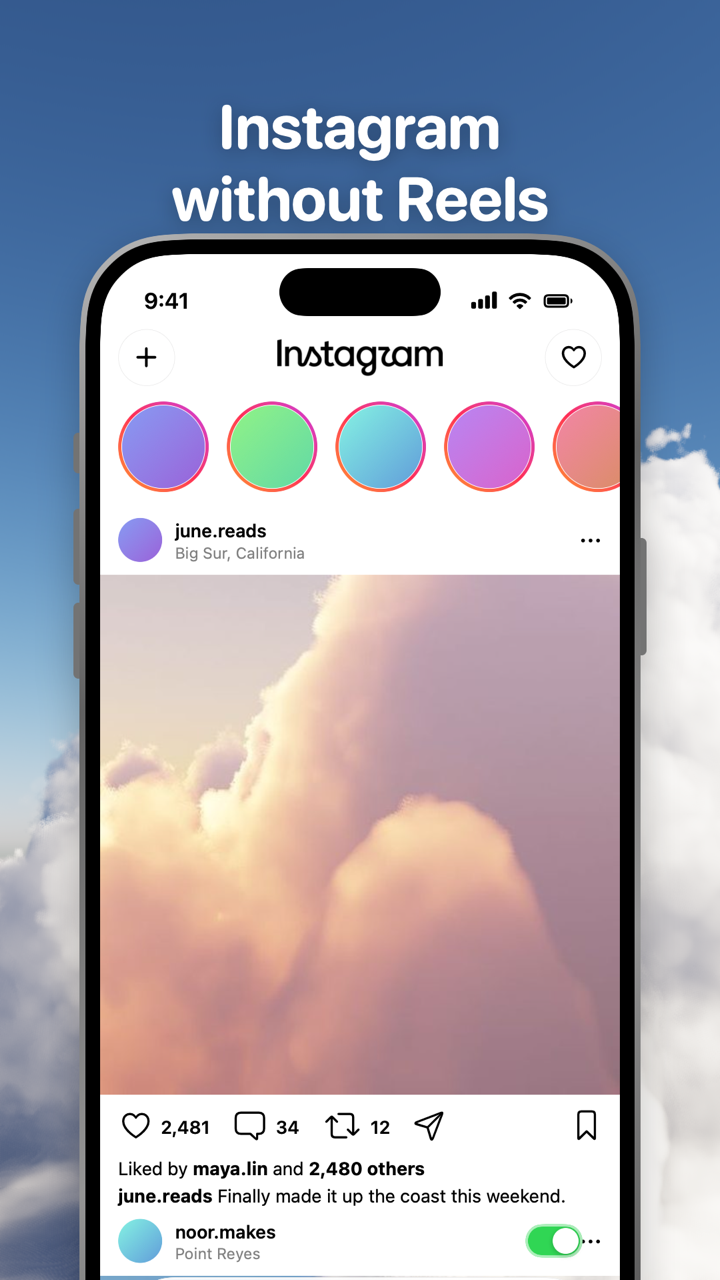
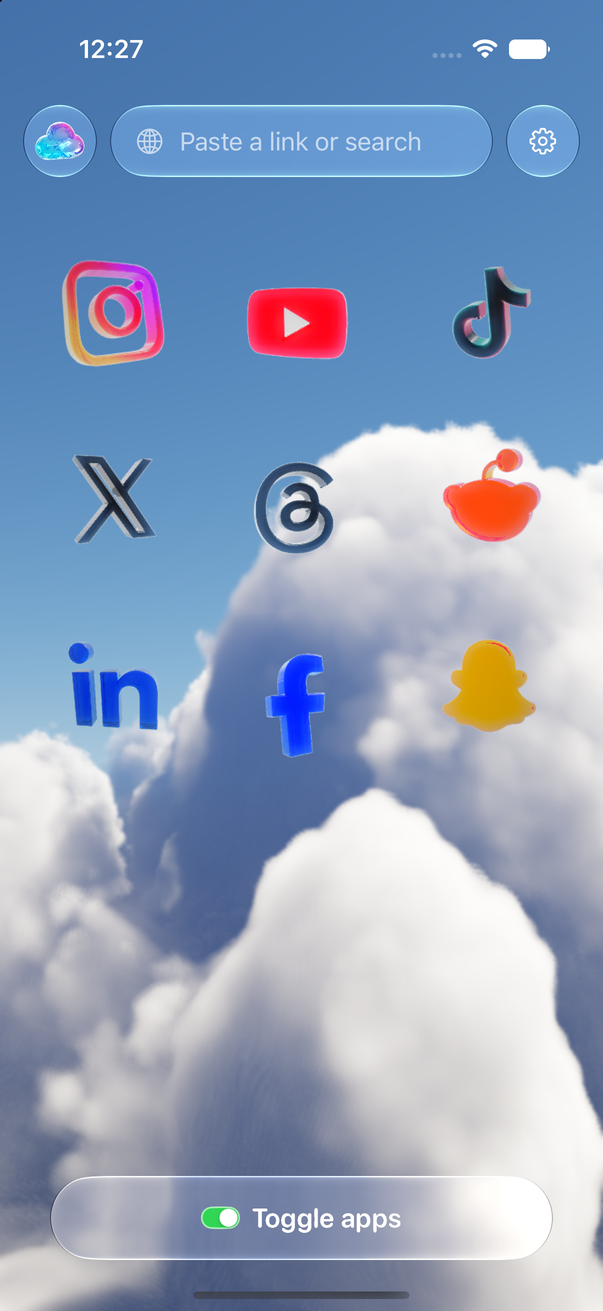
Toggle (toggle.social) is an iPhone app that opens Instagram, YouTube, TikTok, X, Threads, Reddit, LinkedIn, Facebook and Snapchat inside one app, with the parts built to keep you scrolling switched off. On Instagram that means Reels and Explore are hidden always, suggested posts are hidden by default, and Home, Stories, like counts and comments are switches you set yourself. Messages, posting, profiles, search and notifications keep working. This page maps every Instagram surface against what Instagram lets you change, what Toggle hides, and what stays. The pages on each surface go deeper: Reels, Explore, suggested posts and Instagram as a messenger.
Every Instagram surface, in one table
Instagram is a set of surfaces, and each one has its own hook. Some you can tune inside Instagram. None of the three feeds that refill themselves (Reels, Explore, suggested posts) can be turned off there. The table is checked against Instagram's help centre and Toggle version 1.5 on October 24, 2026.
| Surface | What Instagram lets you change | What Toggle does | What stays |
|---|---|---|---|
| Reels tab | Nothing. "Not interested" per Reel. | Hidden always (locked) | A Reel a friend sends in a DM still opens |
| Reels in Home | Nothing | Hidden always (locked) | Posts from people you follow |
| Explore grid | Sensitive content Less or More; Reset suggested content | Hidden always (locked) | Search and its results |
| Suggested posts in Home | Snooze in feed, or hide one post | Hidden by default (Hide Suggested) | The end of your feed |
| Home feed | Switch to Following or Favorites for one session | Your choice (Hide Home) | Messages, profiles, search |
| Stories row | Mute a person's story | Your choice (Hide Stories) | Your own story and posting |
| Like counts | Hide like and share counts (yours and others') | Your choice (Hide Like counts) | Your own insights |
| Comments | Limit or turn off comments on your own posts | Your choice (Hide Comments) | Comments open in a native sheet when shown |
| Colour | Dark mode | Your choice (Grayscale) | Everything else |
| DMs, posting, profiles, search, notifications | Normal settings | Untouched | All of it |
Toggle opens Instagram on Home. If you hide Home as well, Instagram inside Toggle is messages, profiles, search and posting, which is the setup on Use Instagram only for messages.
What Instagram's own settings can do
Instagram has more controls than most people find. Each one is worth knowing, and each one has a limit. The paths are for the iPhone app: profile picture, then the menu at the top right, then Settings and activity.
Snooze suggested posts. Tap the X (or the three dots) on any suggested post in your feed and choose to snooze suggested posts in feed. Instagram brings them back when the snooze ends, so it is a pause, not a switch. The steps and what happens after are on Turn off suggested posts on Instagram for good.
Following and Favorites. Tap the Instagram logo at the top left of Home and pick Following (everyone you follow, newest first, no suggested posts) or Favorites (a shorter list of accounts you choose). Instagram returns to the ranked Home feed the next time you open the app, so this is a per-visit choice. Favorites are set from a profile or under Settings and activity → Favorites.
Hide like and share counts. Settings and activity → What you see → Like and share counts → Hide like and share counts. This hides the numbers on other people's posts and Reels. For your own posts, Advanced settings on the sharing screen hides the counts from others; you still see them. This is one of the few native switches with no end date, and the one Toggle's own switch matches most closely. Other apps' versions are compared on Hide like counts on every social app.
Content preferences. Settings and activity → Content preferences holds three tools. Sensitive content sets how much upsetting content Explore, Reels and suggestions show (Less or More). Reset suggested content clears what Instagram has learned about your interests, so Explore and Reels start again; it does not remove them, and they fill back up from whatever you watch next. Specific words, phrases and emojis lets you stop seeing suggested posts that contain words you list.
Daily limit and time management. Settings and activity → Time management → Daily limit sets a reminder when you have spent your chosen time in the app for the day. It is a nudge you can dismiss, not a block. Sleep mode (once called Quiet mode) silences notifications on a schedule and sends an auto-reply to DMs.
Mute and Not interested. From any profile you can mute posts, stories or both without unfollowing. On any Reel or suggested post, the three dots offer Not interested, which trains the ranking but changes nothing about the surface itself.
What none of these do: remove the Reels tab, empty the Explore grid, or make suggested posts stay gone. That is where Toggle starts.
What Toggle hides on Instagram
Toggle's switches apply per app, at once. Turning a hidden part back on reloads only what needs it. On Instagram the switches fall into three groups.
Hidden always (locked): Reels and Explore. The short-video and recommendation feeds are on from the first load and can't be turned off for good. From the options sheet (hold the Toggle switch at the bottom of any app for a moment) or Settings, a locked switch can be shown for five minutes at a time; it turns itself back on at the deadline. The Reels tab and Reels mixed into Home go together under Hide Reels. Hide Explore removes the grid on the Explore page and keeps the Search tab, so a search still returns people, places and hashtags; the difference is explained on Hide Instagram's Explore page and keep Search. When Reels are shown for those five minutes, ad slides are skipped.
Hidden by default: suggested posts. Hide Suggested is on when you start and can be turned off. With it on, the Home feed runs through the posts from people you follow and then ends. There is no snooze to renew.
Your choice: Home, Stories, like counts, comments, Grayscale. These are off when you start. Hide Home turns Instagram into messages, profiles, search and posting. Hide Stories removes the row at the top of Home. Hide Like counts removes the numbers under every post, like Instagram's own switch but without a trip into settings. Hide Comments removes comments under posts; when they are shown, they open in a native sheet. Grayscale drains the colour.
Beyond the switches, Instagram inside Toggle gets a few things that need no setting: many ad and tracking requests are blocked, and on a slow connection Toggle loads smaller images and fewer videos ahead. Instagram's feed often sends photos far larger than an iPhone screen; the measurement is on Instagram sends 4000px photos to your phone.
What keeps working
Toggle opens Instagram as its own mobile website inside the app, signed in with your own account, and restyles it to look and feel like an app: a native tab bar and header, comments in a native sheet. Your Instagram login stays on your iPhone; Toggle has no account system. Direct messages work. Posting works. Profiles, search, Stories (unless hidden) and notifications work. Notifications are optional and come per app: all, messages only (direct messages, replies, comments, mentions), or off; the details are on Notifications in Toggle.
Because Toggle uses Instagram's mobile website, a few app-only features may be missing, and Instagram changes often, so a switch can stop working until Toggle updates.
What about the real Instagram app?
Optional, and separate from the switches: Toggle can shield the real Instagram app with Apple's Screen Time, so the only way in is the version without the feeds. The shield, the five-minute break and what Apple lets Toggle see are on Block the real apps.
Who this is not for
Toggle is iPhone only (iOS 17 or later) and paid after the 7-day trial (pricing); on a computer the free Chrome extension gives instagram.com the same switches. It runs Instagram's mobile site, so an app-only feature can be missing, and a switch can break when Instagram changes its pages until Toggle updates. It is not parental control. The full list of limits is on Toggle for iPhone.
Where to go next
- Instagram without Reels: every place Reels reach you and what each setting can do.
- Hide Instagram's Explore page and keep Search: the grid goes, search stays.
- Turn off suggested posts on Instagram for good: the snooze, why posts come back, and a permanent switch.
- Use Instagram only for messages: Hide Home, Reels and Explore together.
- Block Reels and Shorts on iPhone: every app at once: the same idea across Instagram, Facebook, YouTube, TikTok and X.
- Toggle for iPhone: the app itself, with every switch for every app.
Questions
Can you turn off Reels on Instagram?
Not in Instagram's own settings as of October 24, 2026. You can tell it you're not interested in a Reel, and that is all. Toggle hides the Reels tab and Reels in the feed every time Instagram opens.
How do I stop Instagram's suggested posts?
Tap the X or the three dots on a suggested post and choose to snooze suggested posts in feed; Instagram brings them back after the snooze. Toggle's Hide Suggested switch is on by default and has no end date.
How do I stop scrolling Instagram hands free?
Remove the feeds that refill themselves. In Toggle, Reels and Explore are hidden always and suggested posts by default, so the feed ends where the posts from people you follow end. You can also hide Home and keep Instagram for messages.
Does Toggle keep Instagram DMs and posting?
Yes. Direct messages, posting, profiles, search, Stories (unless you hide them) and notifications keep working. Comments open in a native sheet.
Can I turn Reels back on for a bit?
Yes, for five minutes at a time. Hold the Toggle switch at the bottom of the app to open the options sheet and show a locked switch; it turns itself back on at the deadline.
Is Toggle free, and is there an Android version?
Toggle is free to download and paid after the 7-day trial. It is iPhone only (iOS 17 or later). Android users can use the free Chrome extension on a computer.
Sources
- Hide suggested posts in your Instagram Feed (Instagram Help Center) (accessed 2026-10-24)
- Reset your suggested content (Instagram Help Center) (accessed 2026-10-24)
- Hide or unhide like counts on Instagram posts and reels (Instagram Help Center) (accessed 2026-10-24)
- Limit sensitive content that you see on Instagram (Instagram Help Center) (accessed 2026-10-24)
- Make posts from certain people appear higher in your Instagram feed (Instagram Help Center) (accessed 2026-10-24)
- Set a daily time limit on Instagram (Instagram Help Center) (accessed 2026-10-24)
- How Instagram determines which posts appear as suggested posts (Instagram Help Center) (accessed 2026-10-24)
- Giving People More Control on Instagram and Facebook (Meta Newsroom, May 26, 2021) (accessed 2026-10-24)