
Toggle (toggle.social) is an iPhone app that opens LinkedIn, Instagram, YouTube, TikTok, X, Threads, Reddit, Facebook and Snapchat inside one app with the parts built to keep you scrolling switched off. For LinkedIn that means the app opens on Messaging, suggested posts never load, and the Home feed, reaction counts and comments are switches you set once. Jobs, your network, search, profiles, notifications, posting and messages keep working. This page maps every LinkedIn surface against what LinkedIn's own settings can do and what Toggle changes.
Every LinkedIn surface, mapped
LinkedIn's mobile site is a handful of pages. The table shows each one, what LinkedIn lets you change about it, and what happens in Toggle. "Locked" means on from the first load and only showable for five minutes at a time. "Switch" means you decide, and the switch starts off.
| Surface | What LinkedIn offers | In Toggle |
|---|---|---|
| Suggested posts in the feed | Most recent sort shows only people you follow | Hidden, locked on |
| Home feed | Sort by Top or Recent; Unfollow, Mute, Not interested | Switch: Hide Home |
| Reaction counts on posts | No setting | Switch: Hide Like counts |
| Comments | No setting | Switch: Hide Comments; shown in a native sheet when on |
| Messaging | Full | Opens here; messages work |
| Jobs | Full | Kept |
| My Network (invitations, people you may know) | Full | Kept |
| Notifications | Per-category toggles in Settings | Kept; Toggle checks the count in the background |
| Search and profiles | Full | Kept |
| Posting | Full | Posting works |
| Colour | No setting | Switch: Grayscale |
| Ads and tracking | No setting | Many ad and tracking requests blocked |
Everything in the table applies to LinkedIn on your iPhone inside Toggle. The free Chrome extension covers linkedin.com on a computer with Home, Suggested and Like counts switches.
What LinkedIn itself lets you change (checked October 24, 2026)
The native way comes first. These settings exist today and cost nothing; they just don't go as far as most people want.
Sort the feed by Most recent. On a computer, click the Sort by dropdown above the feed and pick Recent. That lasts one session. To make it stick: click the Me icon, choose Settings & Privacy, then under General preferences click Preferred Feed View and select Most recent posts. In the app the same setting sits under Settings → Account preferences → Feed preferences. LinkedIn's help says the Most recent view shows posts from people you follow, newest first, and does not use your interests or activity to sort them. In practice this is the closest LinkedIn gets to a feed without suggestions, and it is worth doing even if you never install anything.
Unfollow, mute, or say Not interested. On any post, the three-dot menu offers Unfollow, Mute and Not interested; the X hides that one post. To review everyone you follow: My Network → Following & followers, then click Following next to a person or company to stop seeing them. Unfollowing a connection keeps the connection and sends no notification.
Notifications by category. Settings & Privacy → Notifications lists categories under "Notifications you receive"; each category has its own push and email toggles. On a notification itself, the More menu offers Change notification preferences and Show less like this.
What none of this does: remove the feed from the Home tab, hide reaction counts, or stop the sort from being a chore to maintain. The feed is the first thing the Home tab shows, whatever the sort.
What Toggle hides on LinkedIn
Toggle uses LinkedIn's own mobile website, signed in with your account, and restyles it to look and feel like an app: a native tab bar, a native header, comments in a native sheet. The switches below apply at once; turning a hidden part back on reloads only what needs it.
- Hide Suggested (locked). Suggested posts never load. This switch is on from the first load. From the options sheet (hold the Toggle switch at the bottom of the app for a moment) or Settings, it can be shown for five minutes at a time and turns itself back on at the deadline.
- Hide Home (your choice). Removes the Home feed. LinkedIn becomes Messaging, Jobs, My Network, Notifications and search. The detail of living this way, and what recruiters and job seekers keep, is on LinkedIn without the feed.
- Hide Like counts (your choice). Reaction counts disappear from posts. The same switch for every app is on hide like counts everywhere.
- Hide Comments (your choice). Comments go. With the switch off, comments open in a native sheet.
- Grayscale (your choice). The whole of LinkedIn in grey.
Promoted posts and tracking: many ad and tracking requests are blocked inside Toggle by a shared content blocker. That means fewer ads, not none.
What keeps working
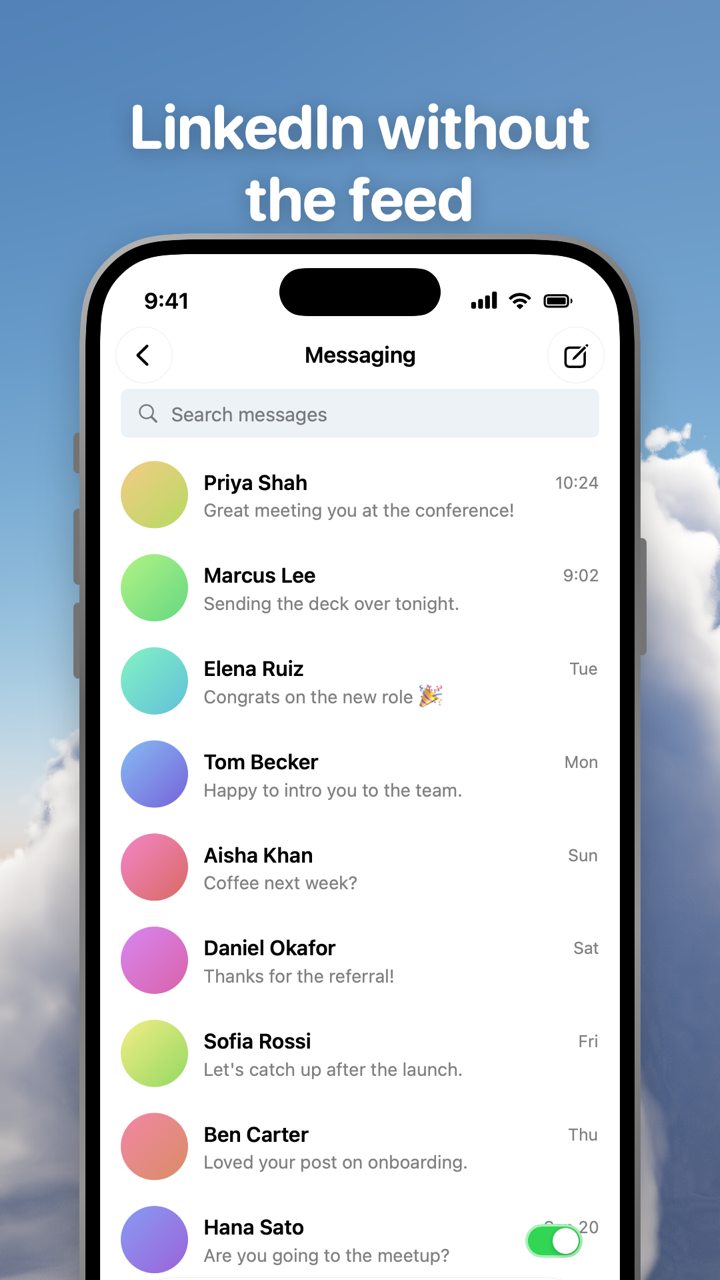
Toggle opens LinkedIn on Messaging, so the first screen is your conversations. From there:
- Messages work as on linkedin.com.
- Jobs, including saved jobs and applications, are kept.
- My Network (invitations, connections) is kept.
- Notifications are kept, with one difference explained below.
- Search and profiles work; your own profile edits too.
- Posting works.
Because Toggle uses LinkedIn's mobile website, a few app-only features may be missing. LinkedIn changes its site often, and a switch can stop working until Toggle updates.
Notifications: LinkedIn's one exception
Eight of Toggle's nine apps deliver notifications through their own web push, relayed to Apple's push service and encrypted end to end to your iPhone. LinkedIn offers no web push at all. So Toggle checks LinkedIn's notification count in the background and notifies you when it rises. You can set LinkedIn's notifications in Toggle to all, messages only, or off, like every other app. How delivery works, and what the relay can and can't see, is on notifications in Toggle.
Blocking the real LinkedIn app
Optional, and separate from the switches: Toggle can shield the real LinkedIn app with Apple's Screen Time, so the only way in is the version without the feeds. The shield, the five-minute break and what Apple lets Toggle see are on Block the real apps.
Where Toggle is not the answer
Toggle is iPhone only (iOS 17 or later) and paid after the 7-day trial (pricing); on a computer the free Chrome extension gives linkedin.com the same switches. It runs LinkedIn's mobile site, so an app-only feature can be missing, and a switch can break when LinkedIn changes its pages until Toggle updates. It is not parental control. The full list of limits is on Toggle for iPhone.
Every LinkedIn page on this site
- LinkedIn without the feed: messaging-first LinkedIn, what job seekers and recruiters keep, the desktop extension.
- Hide like counts on every social app: reaction counts on LinkedIn and the other eight apps.
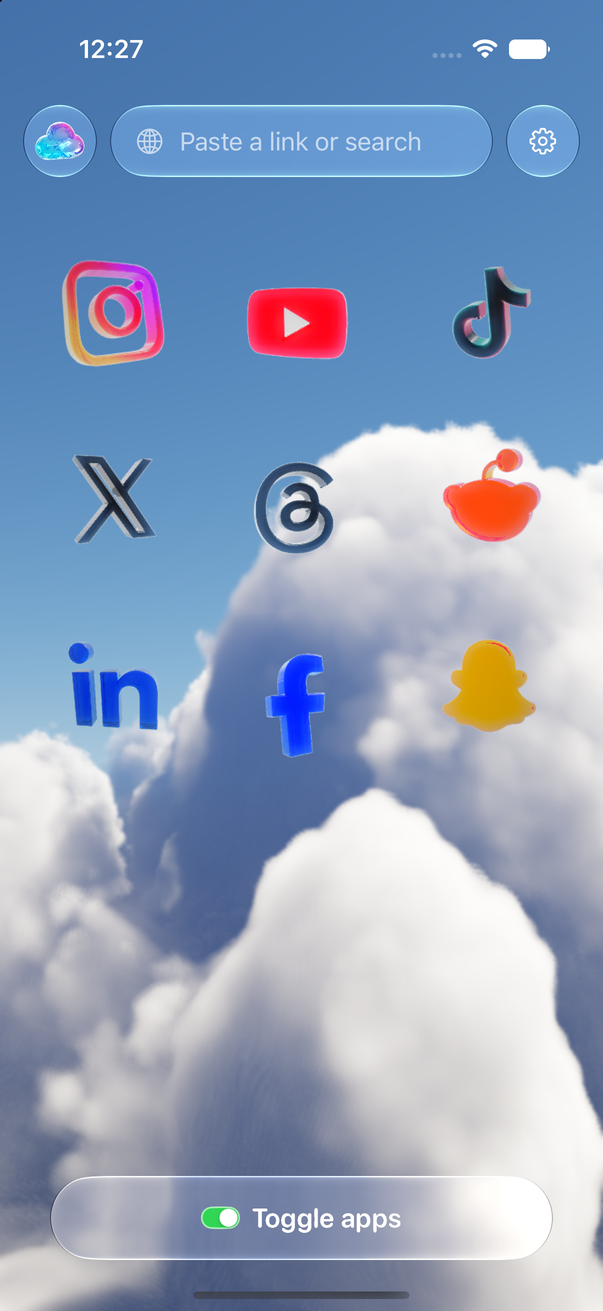
- Toggle for iPhone: screenshots, switches for all nine apps, price and trial.
- Toggle for Chrome: LinkedIn on a computer, free.
- How Toggle works: the mobile site in a native shell, where your login lives.
Questions
Can you turn off the LinkedIn feed?
Not in LinkedIn itself. Its settings let you sort the feed by Most recent, unfollow or mute people and Pages, and mark posts Not interested, but the feed stays on the Home tab. Toggle opens LinkedIn on Messaging and can hide the Home feed entirely.
How do I stop seeing suggested posts on LinkedIn?
Set Preferred Feed View to Most recent posts (Settings & Privacy → Account preferences → General preferences). LinkedIn says that view shows only people you follow, sorted by time. In Toggle, suggested posts are hidden on every load and the switch is locked on.
Does LinkedIn Jobs still work in Toggle?
Yes. Jobs, your network, search, profiles and notifications are kept. Toggle changes the feed and the counts around posts, not the pages you came to LinkedIn for.
Do LinkedIn messages and InMail work without the feed?
Toggle opens LinkedIn on Messaging, and messages work as they do on linkedin.com, signed in with your own account. Notifications for new messages come through Toggle's background check of your LinkedIn notification count, because LinkedIn offers no web push.
Can I hide reaction counts on LinkedIn posts?
LinkedIn has no setting for it. Toggle has a Hide Like counts switch for LinkedIn that removes reaction counts; the same switch exists in the free Chrome extension for linkedin.com.
Is there a LinkedIn without distractions on a computer?
Toggle's Chrome extension (free) hides LinkedIn's Home feed, suggested posts and reaction counts on linkedin.com, switch by switch. The Safari version for Mac is coming to the Mac App Store.
Sources
- LinkedIn Help: Sort your feed by Top or Recent posts (accessed 2026-10-24)
- LinkedIn Help: Manage your LinkedIn feed preferences (accessed 2026-10-24)
- LinkedIn Help: Relevance, optimizing the member experience (feed controls) (accessed 2026-10-24)
- LinkedIn Help: Manage your LinkedIn notifications (accessed 2026-10-24)
- LinkedIn Help: Turn email and mobile notifications on and off (accessed 2026-10-24)