
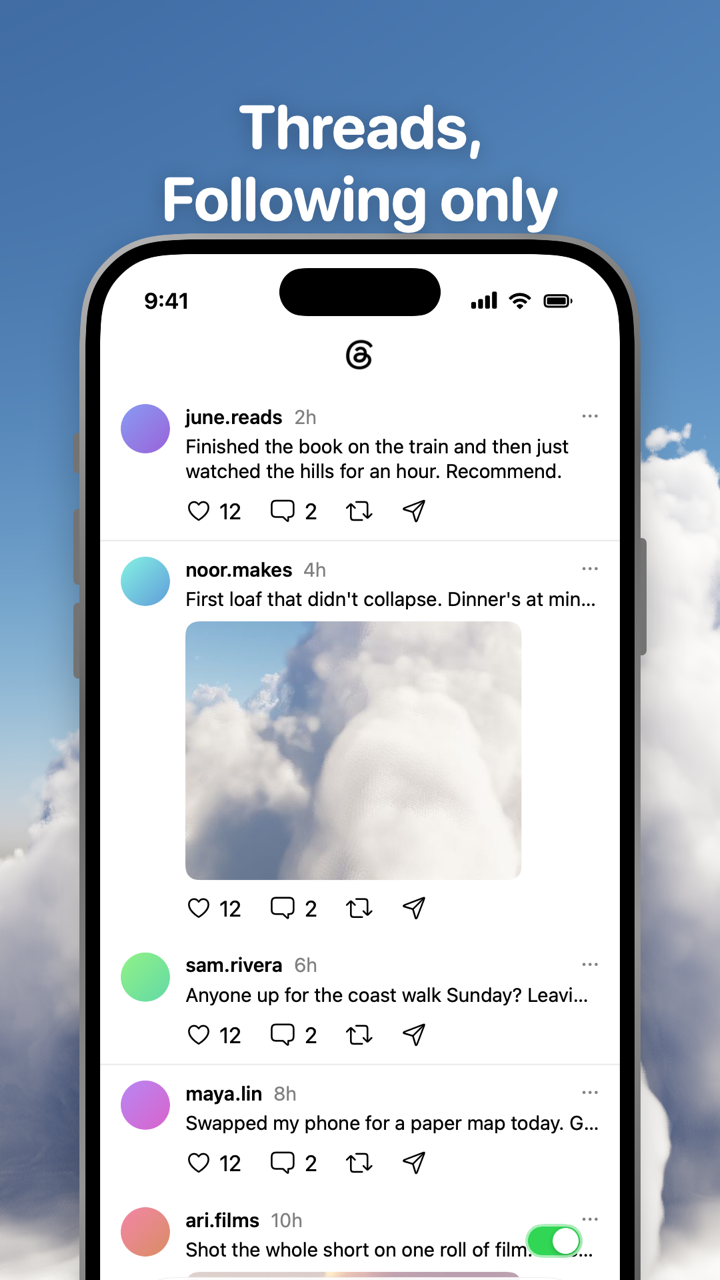
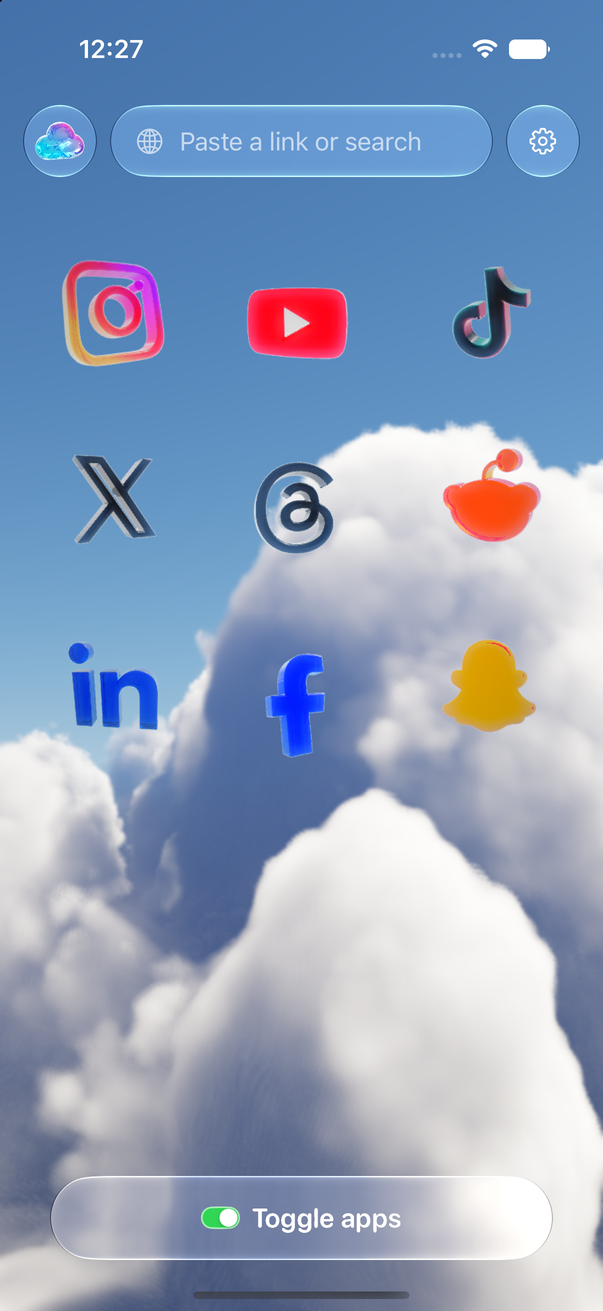
Toggle (toggle.social) is an iPhone app that opens Instagram, YouTube, TikTok, X, Threads, Reddit, LinkedIn, Facebook and Snapchat inside one app, with the parts built to keep you scrolling switched off. On Threads the part is the For You feed. Toggle opens Threads on Following and keeps For You hidden, so the app is the people you chose to follow, in order, and then it ends.
Threads has fewer surfaces than Instagram or X, so this map is short: one feed to hide, two switches to set, and a list of what Threads itself lets you change. The other Threads pages on the site are linked at the end.
Every Threads surface, in one table
"Locked" means on from the first load and showable for five minutes at a time. "Your choice" means off when you start.
| Surface | Threads' own control | In Toggle | What stays |
|---|---|---|---|
| For You feed | Reorder feeds so Following opens first; For You stays a swipe away | Hidden (locked) | Following feed |
| Following feed | Can be first in your feed order | Toggle opens here | Posts from people you follow |
| Custom feeds | Create, pin and share them | Open as on threads.com | Your custom feeds |
| Like counts | Settings → Content preferences → Hide like and share counts (all posts, or per post from ⋯) | Hide Like counts (your choice) | Liking |
| Replies | Authors: follower-only replies, reply approvals, reply filters | Hide Replies (your choice) | Replying, in a native sheet |
| Colour | None | Grayscale (your choice) | Media in grey |
| Messages | Threads' own | Kept | Direct messages |
Switches apply to Threads alone and take effect at once.
Toggle opens Threads on Following, and For You is locked
Hide For You is a locked switch: on from the first load, and it can't be turned off for good. The reason is the feed itself. For You is ranked and endless by design, and the Following feed only works as a stopping point if For You isn't one swipe away. From the options sheet (hold the Toggle switch at the bottom of Threads for a moment) or Settings, a locked switch can be shown for five minutes at a time; it turns itself back on at the deadline. Onboarding explains this before you meet it.
What a week of Following-only Threads is like, and why the app's own Following tab doesn't stick, is on Threads following only.
Your switches: like counts, replies, grayscale
- Hide Like counts removes the numbers under posts. You can still like a post.
- Hide Replies hides the replies under posts, so you read what someone wrote and not what everyone said back. Replying still works.
- Grayscale turns Threads grey.
All three start off. Like counts across every app, with the native control where one exists, are compared on Hide like counts on every social app.
What keeps working
- Direct messages.
- Posting: Threads' composer opens as a sheet.
- Comments open in a native sheet. Tap a post and its replies rise from the bottom, with Threads' reply box at the end.
- Profiles, search and notifications.
- Custom feeds and communities: Toggle opens Threads' mobile website, so pages Toggle has no switch for open as they do on threads.com.
- Notifications, per app: all, messages only (direct messages, replies and mentions), or off. Threads' own web push is passed through Toggle's relay to Apple's push service, encrypted end to end to your iPhone. If the real Threads app is installed and not blocked, Toggle holds back its notifications so you don't get two. See Notifications in Toggle.
You sign in to Threads directly, with your own account. The cookies stay on your iPhone, and Toggle has no account system. What leaves the phone is on Is Toggle safe to use with my accounts?.
What Threads itself lets you change
Threads has more feed controls than most apps. None of them removes For You, but they change what opens first and what fills it. Checked October 24, 2026 against Meta's own announcements.
Feed order. Hold a feed name at the top of the app and tap Edit feeds to reorder your feeds; the first one opens by default. Meta's April 24, 2025 announcement put it this way: "if you'd like to see a custom feed you've created when you first open the app, you can make that your default." The same works for Following. Meta had tested a chosen default feed from November 2024, when Mark Zuckerberg announced it for "select users".
Custom feeds. Since February 2025 you can create feeds around topics or profiles, make them public, pin them at the top and share them. On the web (threads.com since April 2025), custom feeds show at the top of a single-column view in the same order as on mobile, and you can add columns for feeds, searches, profiles, saved posts or activity.
Dear Algo and Your Algo. Since February 2026 you can post "Dear Algo" followed by what you want more or less of, and Threads adjusts your feed for three days. Since June 2026, Your Algo does the same privately, for one, three or seven days, in the US, Canada, UK, Australia and New Zealand. Both tune For You; neither turns it off.
Replies to your posts. Follower-only replies and limits on quote posts arrived in April 2025. Reply approvals, which hold replies until you let them through, and filters for replies from people you follow or that mention you, arrived October 30, 2025. These shape replies to your own posts, not the replies you see under everyone else's.
Threads on a computer
The free Chrome extension does the same on threads.com: switches for Home (For You), Like counts and Replies, plus Grayscale, and two that cover every site (hide like counts everywhere, hide every endless feed). The Toggle switch at the top of the popup brings everything back for 20 minutes, then turns itself back on. Changes apply with no reload, and nothing is sent anywhere. See Toggle for Chrome. A Safari extension is coming to the Mac App Store.
Where Toggle is not the answer
Toggle is iPhone only (iOS 17 or later) and paid after the 7-day trial (pricing); on a computer the free Chrome extension gives threads.com the same switches. It runs Threads's mobile site, so an app-only feature can be missing, and a switch can break when Threads changes its pages until Toggle updates. It is not parental control. The full list of limits is on Toggle for iPhone.
Every Threads page on this site
- Threads following only: skip For You, keep the people you chose: the Following feed as the whole app, and what it feels like after a week.
- Hide like counts on every social app: native like-count controls per platform, and Toggle's switches.
- Toggle for iPhone and Toggle for Chrome: the app and the extension.
- How Toggle works: each app as its own mobile website in a native shell.
Questions
Can you make Following the default feed on Threads?
Yes, in the app itself: hold a feed name at the top, tap Edit feeds and move Following to the first slot. Meta announced the ordering in April 2025. The For You feed stays one swipe away. Toggle hides it instead.
Does Toggle remove For You from Threads completely?
Hide For You is a locked switch: on from the first load, and it can't be turned off for good. You can show For You for five minutes at a time from the options sheet, and it hides itself again at the deadline.
Can I hide like counts on Threads?
In Toggle, yes: Hide Like counts is a switch you turn on, for Threads alone. It removes the numbers under posts while liking keeps working.
Do Threads DMs and posting work inside Toggle?
Yes. You sign in with your own account, and messages, posting (the composer opens as a sheet), replies, profiles, search and notifications keep working.
Is there a Threads version of Toggle for Android or the Mac?
No Android app; Toggle needs an iPhone on iOS 17 or later. On a computer the free Chrome extension hides Threads' Home (For You), like counts and replies, and a Safari extension is coming to the Mac App Store.
Sources
- New Threads Features for a More Personalized Experience That You Control (Meta Newsroom, April 24 2025, updated October 30 2025) (accessed 2026-10-24)
- You Can Now Share Your Custom Feeds on Threads (Meta Newsroom, February 2025) (accessed 2026-10-24)
- Control Your Threads Feed With New Dear Algo Feature (Meta Newsroom, February 2026) (accessed 2026-10-24)
- New Features to Celebrate 500 Million Monthly Users on Threads (Meta Newsroom, June 16 2026) (accessed 2026-10-24)
- New Features for the Threads Web Experience (Meta Newsroom, April 2025) (accessed 2026-10-24)
- Threads tests the ability for users to choose their preferred default feed (TechCrunch, November 25 2024) (accessed 2026-10-24)