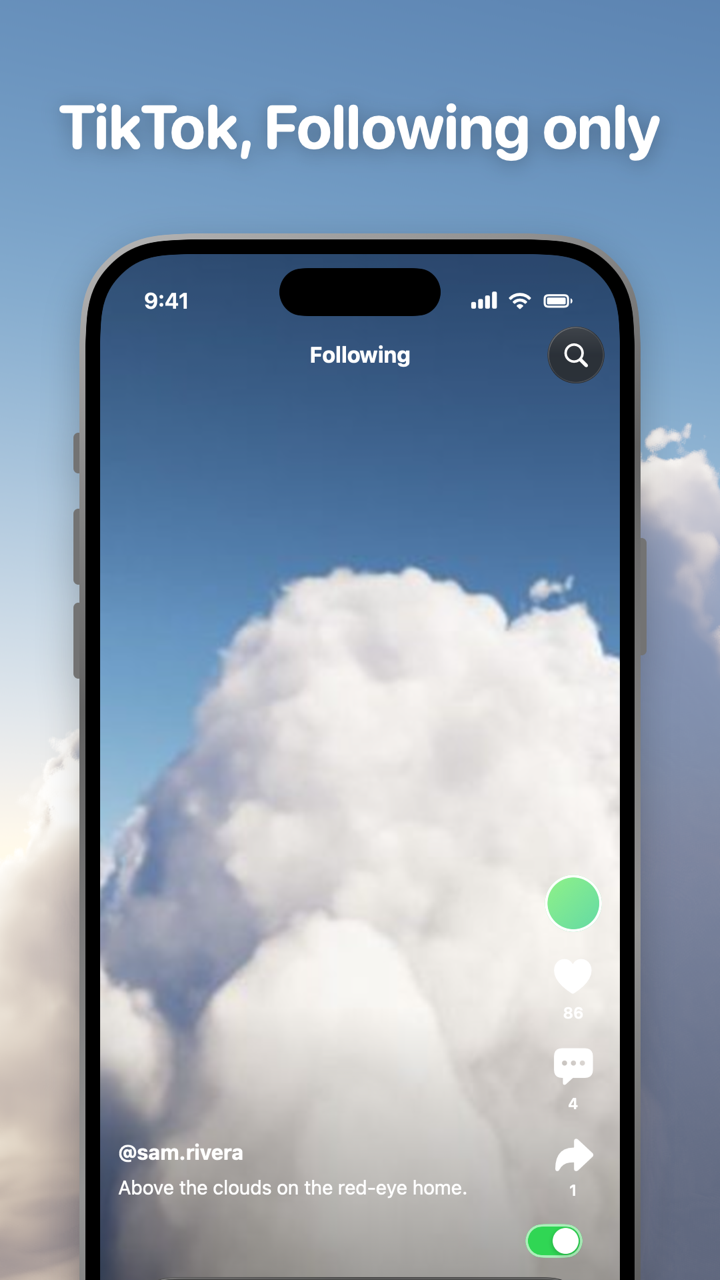
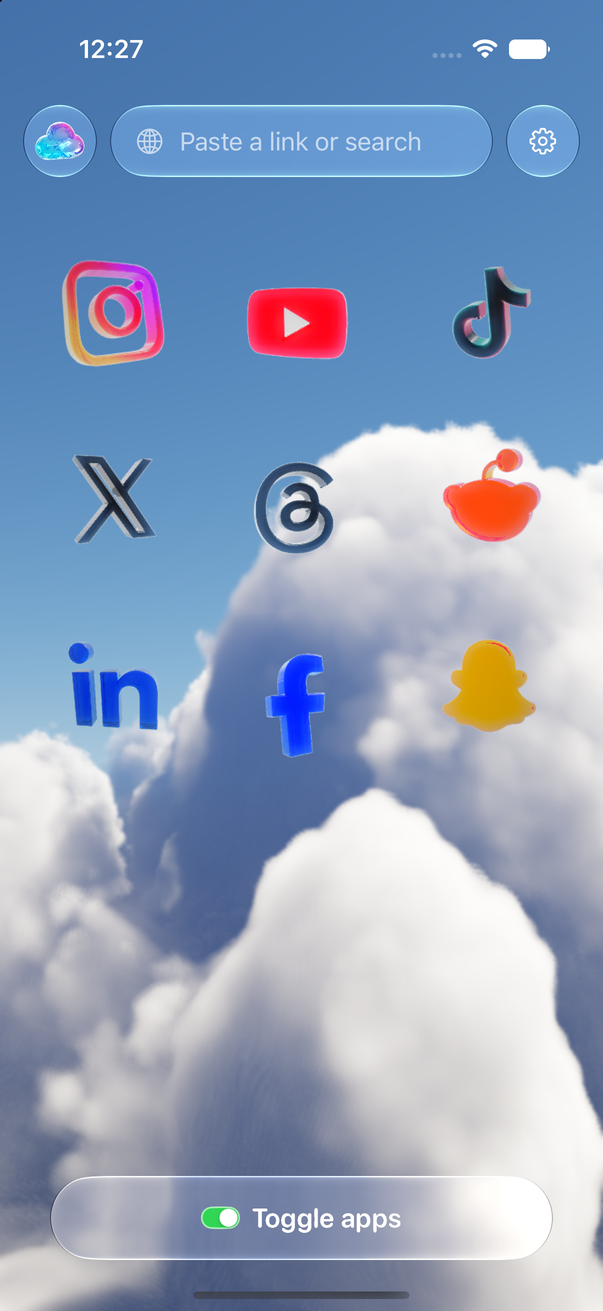
Toggle (toggle.social) is an iPhone app that opens Instagram, YouTube, TikTok, X, Threads, Reddit, LinkedIn, Facebook and Snapchat inside one app, with the parts built to keep you scrolling switched off. On TikTok that means the app opens on Following, For You and Explore are hidden always, LIVE is hidden by default, and like counts and comments are switches you set yourself. Messages, posting, profiles, search and the videos of the people you follow keep working. This page maps every TikTok surface against what TikTok lets you change, what Toggle hides, and what stays. What a Following-only TikTok is like day to day is on TikTok with only the people you follow.
Every TikTok surface, in one table
TikTok is built around one feed. For You is a personalised feed based on your interests and what you engage with, and TikTok's help centre describes it as the feed that appears first when you open the app. Everything else, Following, Friends, Explore, LIVE, search, the inbox, sits around it. The table is checked against TikTok's help centre and Toggle version 1.5 on October 24, 2026.
| Surface | What TikTok lets you change | What Toggle does | What stays |
|---|---|---|---|
| For You feed | Refresh it, Not interested, Filter video keywords, Manage topics | Hidden always (locked) | Following, search, profiles |
| Explore | Nothing | Hidden always (locked) | Search and its results |
| LIVE (tab and in feed) | Nothing for viewers beyond Restricted Mode | Hidden by default (Hide LIVE) | Can be shown with one switch |
| Following feed | Tap Following at the top, every time | The opening page | Everyone you follow, their videos |
| Friends tab | Nothing | Untouched | Videos from mutual follows |
| Like counts | Nothing for viewers | Your choice (Hide Like counts) | Your own likes |
| Comments | Comment controls on your own videos | Your choice (Hide Comments) | TikTok's own drawer, restyled as a sheet, when shown |
| Colour | Dark mode | Your choice (Grayscale) | Everything else |
| Screen time | Daily screen time, breaks, sleep reminders | TikTok's own settings | They work as nudges |
| DMs, posting, profiles, search, inbox | Normal settings | Untouched | All of it |
What TikTok's own settings can do
TikTok gives you more say over For You than it used to, and none of it removes the page. The paths are for the TikTok iPhone app: Profile, then the menu at the top right, then Settings and privacy.
Refresh your For You feed. Settings and privacy → Content preferences → Refresh your For You feed, then follow the steps. TikTok shows popular content and starts learning again from what you watch, like, share and skip. TikTok's help centre says only For You is affected: the Following feed, your profile, inbox and ads stay as they were. The page is new again for a day or two and then it is your page again, because the feed keeps learning. This is what people mean by "reset the For You page".
Not interested, keyword filters and topics. Hold any video and tap Not interested to see fewer like it. Settings and privacy → Content preferences → Filter video keywords hides videos whose descriptions or stickers use words you list. Manage topics, in the same place, lets you turn broad interests up or down. All of these shape the ranking. The feed is as long as before.
Following and Friends. Tap Following at the top of the screen to see only the accounts you follow. The Friends tab in the bottom bar shows videos from people who follow you back. Neither sticks: the app opens on For You next time, which is the whole argument of TikTok with only the people you follow.
Screen time. Settings and privacy → Screen time holds Daily screen time (a limit you set, with a reminder when you reach it), Screen time breaks (a reminder after a stretch of uninterrupted use), Sleep reminders (a notification at your sleep time, with push notifications muted after it) and Time away. For accounts aged 13 to 17 the daily limit is on by default; adults set it themselves. Each is a prompt you can dismiss.
Restricted Mode. Settings and privacy → Content preferences → Restricted Mode limits content that may not be suitable for everyone and is protected by a passcode. It filters; it doesn't change which feeds exist.
Blocking a person. On a profile, the three dots → Block. Their videos leave your feeds and they can't message you. It removes one account, not the page that keeps finding new ones.
What none of these do: open TikTok on Following, remove For You or Explore, or stop LIVE videos appearing.
What Toggle hides on TikTok
Toggle's switches apply per app, at once. Turning a hidden part back on reloads only what needs it. On TikTok the switches fall into three groups, plus the opening page.
Hidden always (locked): For You and Explore. The short-video and recommendation feeds are on from the first load and can't be turned off for good. From the options sheet (hold the Toggle switch at the bottom of any app for a moment) or Settings, a locked switch can be shown for five minutes at a time; it turns itself back on at the deadline. Hide For You removes the For You feed. Hide Explore removes the Explore page and keeps search.
Hidden by default: LIVE. Hide LIVE is on when you start and can be turned off. With it on, LIVE videos don't show; turn it off and they are back.
Your choice: like counts, comments, Grayscale. These are off when you start. Hide Like counts removes the numbers beside each video; TikTok offers viewers no such switch, which is why it sits in the comparison on Hide like counts on every social app. Hide Comments removes comments; when they are shown, they open in TikTok's own drawer, restyled as a sheet. Grayscale drains the colour.
Opens on Following. Toggle opens TikTok on Following every time. You see the people you chose and nothing ranked for you. There is no Hide Home switch on TikTok because there is no separate Home: once For You is gone, Following is the feed.
TikTok inside Toggle uses TikTok's desktop site, because the mobile site is a wall that sends you to the app. Many ad and tracking requests are blocked inside Toggle, and on a slow connection Toggle loads smaller images and fewer videos ahead.
What keeps working
Toggle opens TikTok as its own website inside the app, signed in with your own account, and restyles it to look and feel like an app: a native tab bar and header. Your TikTok login stays on your iPhone; Toggle has no account system. Direct messages work. Posting works. Profiles and search work. Comments stay in TikTok's own drawer, restyled as a sheet. Notifications are optional and come per app: all, messages only (direct messages, replies, comments, mentions), or off; the details are on Notifications in Toggle.
Because Toggle uses TikTok's website rather than the app, a few app-only features may be missing. TikTok changes often, so a switch can stop working until Toggle updates.
What about the real TikTok app?
Optional, and separate from the switches: Toggle can shield the real TikTok app with Apple's Screen Time, so the only way in is the version without the feeds. The shield, the five-minute break and what Apple lets Toggle see are on Block the real apps.
Who this is not for
Toggle is iPhone only (iOS 17 or later) and paid after the 7-day trial (pricing); on a computer the free Chrome extension gives tiktok.com the same switches. It runs TikTok's mobile site, so an app-only feature can be missing, and a switch can break when TikTok changes its pages until Toggle updates. It is not parental control. The full list of limits is on Toggle for iPhone.
Where to go next
- TikTok with only the people you follow: why Following never sticks in the app and what a week of it is like.
- Block Reels and Shorts on iPhone: every app at once: For You beside Instagram Reels, YouTube Shorts and Facebook Reels.
- Hide like counts on every social app: which apps have a native switch and which don't.
- Toggle for Chrome: For You, Explore and LIVE hidden on tiktok.com, free.
- Toggle for iPhone: the app itself, with every switch for every app.
Questions
How do I disable the For You page on TikTok?
You can't, in TikTok's settings as of October 24, 2026. You can refresh it (Settings and privacy → Content preferences → Refresh your For You feed), filter keywords, or tap Following at the top each time. Toggle hides For You every time TikTok opens and starts you on Following.
How do I reset my TikTok For You page?
Profile → menu → Settings and privacy → Content preferences → Refresh your For You feed. TikTok then shows popular content and learns again from what you watch. Only For You changes; Following, profile, inbox and ads stay as they were.
How do I block someone or some content from my For You page?
On a video, hold it and tap Not interested; on a profile, the three dots offer Block. Under Settings and privacy → Content preferences, Filter video keywords hides videos whose descriptions use words you list. None of this removes the feed itself.
Does TikTok open on Following if I used it last time?
No. TikTok's help centre describes For You as the feed that appears first when you open the app. Toggle opens on Following.
What stays when TikTok has no For You page?
The Following feed, direct messages, posting, profiles, search and comments (in TikTok's own drawer, restyled as a sheet). LIVE is hidden by default and can be shown.
Is Toggle free, and does it work on Android?
Toggle is free to download and paid after the 7-day trial, and it is iPhone only. The free Chrome extension hides For You, Explore and LIVE on tiktok.com on a computer, which is the route for Android users.
Sources
- For You (TikTok Help Center) (accessed 2026-10-24)
- How TikTok recommends content (TikTok Help Center) (accessed 2026-10-24)
- Refresh your For You feed (TikTok Help Center) (accessed 2026-10-24)
- Screen time (TikTok Help Center) (accessed 2026-10-24)
- Restricted Mode (TikTok Help Center) (accessed 2026-10-24)
- What is TikTok LIVE (TikTok Help Center) (accessed 2026-10-24)