
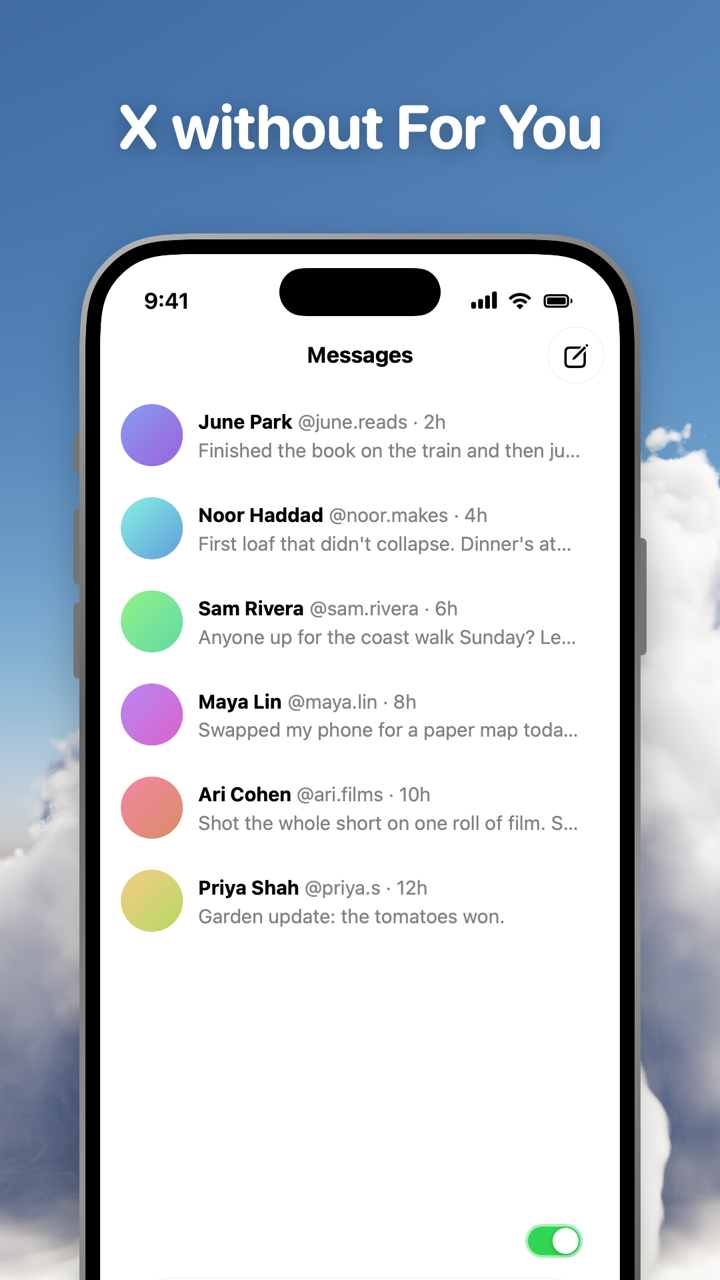
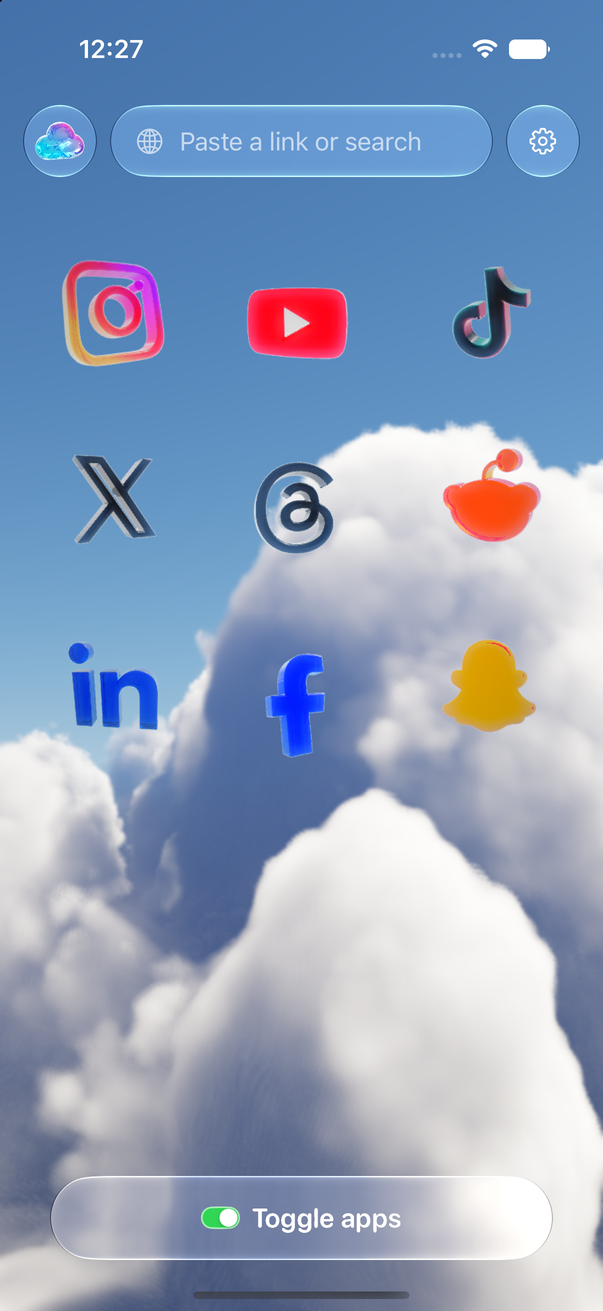
Toggle (toggle.social) is an iPhone app that opens Instagram, YouTube, TikTok, X, Threads, Reddit, LinkedIn, Facebook and Snapchat inside one app, with the parts built to keep you scrolling switched off. On X that means the For You feed is hidden from the first open, the video feed and Explore never show, and promoted posts are gone from the timeline. What's left is the X most people joined for: the accounts they follow, their lists, replies, DMs and search.
This page maps every X surface against three things: what X itself lets you change, what Toggle does with it, and what stays. The pages on each X topic are linked at the end.
Every X surface, in one table
The table is the whole of Toggle's X in one place. "Locked" means on from the first load; "Default" means on when you start and yours to turn off; "Your choice" means off when you start.
| Surface | X's own control | In Toggle | What stays |
|---|---|---|---|
| For You tab | Swipe to Following; X reopens the tab you had open last | Hidden (default switch) | Following tab |
| Video feed | None | Hidden (locked) | Videos inside posts |
| Explore tab | Change trends location only | Hidden (locked) | Search |
| Home timeline | None | Hide Home (your choice) | DMs, notifications, profiles, lists |
| Grok | Opt out of training, not of the button | Hide Grok (your choice) | Everything else |
| Like counts | None | Hide Like counts (your choice) | Liking, your own likes |
| Replies | Authors can hide replies to their own posts | Hide Replies (your choice) | Replying (opens X's composer) |
| Promoted posts | None | Hidden in the timeline | Organic posts |
| Colour | None | Grayscale (your choice) | Media in grey |
Each switch applies to X alone and takes effect at once. Turning a hidden part back on reloads only what needs it.
What Toggle hides for good: the video feed and Explore
X's video feed is the full-screen stream that plays one clip after another, and Explore is the page of trends and recommendations behind the search tab. Both are locked switches in Toggle: on from the first load, and they can't be turned off for good. From the options sheet (hold the Toggle switch at the bottom of X for a moment) or Settings, a locked switch can be shown for five minutes at a time; it turns itself back on at the deadline. Onboarding explains the lock before you meet it.
Search is not Explore. The search box keeps working, and results open as they do on x.com. Only Explore's trending page goes.
Short-video feeds across every app, with the native setting for each (usually none), are on Block Reels and Shorts on iPhone.
What Toggle hides by default: For You
The For You tab is hidden when you start, so X opens on Following: posts from the accounts you follow, with no recommendations. The switch is yours; turn it off and the For You tab comes back.
X's own help describes the two tabs this way: For You shows posts "based on recommendations of accounts you follow or topics you're interested in", Following "displays posts from only the accounts you follow", and "when you close X on the For you or Following tabs, you will return to whichever timeline you had open last" (X Help Center, checked October 24, 2026). What For You is made of, and how the Following tab behaves in the real app, is covered on X without For You: the Following tab, lists and DMs.
What's your choice: Home, Grok, like counts, replies
Four switches start off. Turn on any of them from the options sheet.
- Hide Home removes the Home timeline altogether, Following included. X becomes DMs, notifications, search, profiles and the pages you open on purpose.
- Hide Grok takes Grok's button and prompts out of X's pages. X's help explains how to stop your data being used to train Grok (below), not how to remove Grok from the app.
- Hide Like counts removes the numbers under posts. You can still like, and still see your own likes.
- Hide Replies hides the replies under posts, so a post is the post. The reply button still opens X's composer.
- Grayscale turns X grey.
Like counts across every app, with the native control where one exists, are compared on Hide like counts on every social app.
What keeps working
- Direct messages.
- Posting. On X, the reply button opens X's own composer.
- Profiles, search and notifications.
- Lists, bookmarks and Communities. Toggle opens X's mobile website, so pages Toggle has no switch for open as they do on x.com.
- Notifications, per app: all, messages only (direct messages, replies and mentions), or off. They arrive through X's own web push, passed through Toggle's relay to Apple's push service, encrypted end to end to your iPhone. If the real X app is installed and not blocked, Toggle holds back X's notifications so you don't get two. Details on Notifications in Toggle.
You sign in to X directly, with your own account. X's cookies stay on your iPhone, and Toggle has no account system. Is Toggle safe to use with my accounts? covers what leaves the phone.
What X itself lets you change
X's settings don't turn off For You, Explore or the video feed. They do change what fills them. Paths below are from X's help pages, checked October 24, 2026.
Trends. Trends are "tailored for you based on who you follow, your interests, and your location" by default. On iOS: tap your profile icon, then Settings and privacy, Privacy and safety, Content you see, Explore settings. Turn off "Show content in your current location" to stop personalised trends, then tap Explore locations to pick a place. Explore itself stays.
Muted words. Muting removes posts with a word, phrase, username, emoji or hashtag from your Home timeline and notifications; you "will still see these posts via search". On iOS: Notifications tab, gear icon, Muted, Muted words, Add. Choose Home timeline or Notifications or both, From anyone or From people you don't follow, and Forever, 24 hours, 7 days or 30 days. On the web: More, Settings and privacy, Privacy and safety, Mute and block, Muted words.
Replies. Only a post's author can hide replies to it, and "everyone can still access hidden replies through the hidden reply icon". There is no setting that hides replies on posts you read.
Grok. To opt out of model training: Settings and privacy, Privacy and safety, Data sharing and personalization, Grok and Third-party Collaborators, then clear "Allow your public data as well as your interactions, inputs, and results with Grok and xAI to be used for training and fine-tuning." Grok stays in the app.
Like counts. X's settings have nothing for them.
X on a computer
The free Chrome extension does the same on x.com: switches for Home, Explore, Grok, Videos and Like counts, plus Grayscale, and two that cover every site (hide like counts everywhere, hide every endless feed). The Toggle switch at the top of the popup brings everything back for 20 minutes, then turns itself back on. Changes apply with no reload, and nothing is sent anywhere. See Toggle for Chrome. A Safari extension is coming to the Mac App Store.
Where Toggle is not the answer
Toggle is iPhone only (iOS 17 or later) and paid after the 7-day trial (pricing); on a computer the free Chrome extension gives x.com the same switches. It runs X's mobile site, so an app-only feature can be missing, and a switch can break when X changes its pages until Toggle updates. It is not parental control. The full list of limits is on Toggle for iPhone.
Every X page on this site
- X without For You: the Following tab, lists and DMs: what For You is made of, how the Following tab behaves, and X's surfaces against what stays.
- Block Reels and Shorts on iPhone: X's video feed beside Instagram Reels, YouTube Shorts and TikTok's For You.
- Hide like counts on every social app: the native control per platform, and Toggle's switches.
- Toggle for iPhone and Toggle for Chrome: the app and the extension.
- How Toggle works: each app as its own mobile website in a native shell.
Questions
Can you turn off For You on X?
Not in X's own settings. X keeps a For You tab and a Following tab, and reopens whichever one you had open last. Toggle hides the For You tab by default, so X opens on Following.
Does X have a setting to hide Explore or the video feed?
No. X's settings change which trends you see (your location or another), not whether Explore shows. Toggle hides both Explore's page and the video feed for good; you can show either for five minutes at a time.
Can I remove Grok from X?
X's help explains how to stop your data training Grok (Settings and privacy, Privacy and safety, Data sharing and personalization, Grok and Third-party Collaborators), not how to remove Grok from the app. Toggle has a Hide Grok switch.
Do DMs and posting still work on X inside Toggle?
Yes. You sign in to X with your own account inside Toggle, and direct messages, posting, replies, profiles, search and notifications keep working.
Is Toggle on Android or the Mac?
The iPhone app needs iOS 17 or later; there is no Android app. On a computer, the free Chrome extension hides X's Home, Explore, Grok, Videos and like counts, and a Safari extension is coming to the Mac App Store.
Sources
- About your For you timeline on X (X Help Center) (accessed 2026-10-24)
- X Trends FAQ (X Help Center) (accessed 2026-10-24)
- How to use advanced muting options (X Help Center) (accessed 2026-10-24)
- About replies and mentions (X Help Center) (accessed 2026-10-24)
- About Grok (X Help Center) (accessed 2026-10-24)